Aiko keeps transcription on the Apple device.
It handles supported audio and video files, offers several text and subtitle exports, and does not upload the audio for transcription.
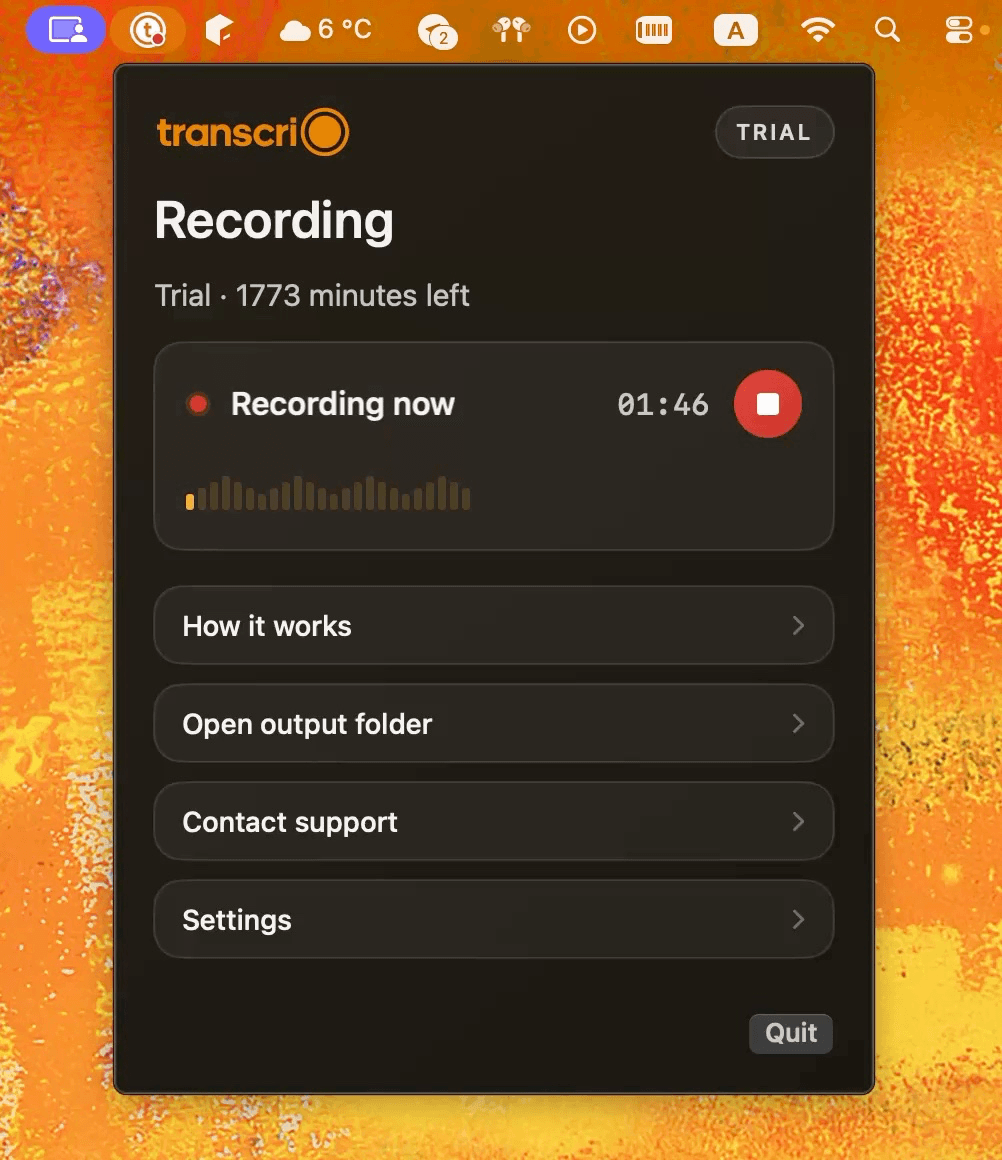
Aiko turns finished audio and video into text on your device. Transcrio starts one step earlier: it records microphone and Mac system audio, keeps the source files, and can create a transcript and summary after you stop.
Choose Aiko when you already have a media file and need on-device transcription or subtitle exports. Choose Transcrio when you need to capture microphone and system audio, keep the source recording, and receive an optional summary without moving the file into a second app.
It handles supported audio and video files, offers several text and subtitle exports, and does not upload the audio for transcription.
It records microphone and Mac audio, preserves the source files, and saves optional text back to the folder after online processing finishes.
Aiko expects a recording it can transcribe on the device. Transcrio creates the recording from microphone and system audio, then sends it for managed text processing when enabled. Aiko does not provide real-time transcription or speaker labels.
Turn existing audio or video into text on the device, with exports for editing or subtitles.
Record microphone and Mac system audio first, then keep optional transcripts and summaries beside the source recording.
Import supported media or use record-and-transcribe Shortcuts; a finished Zoom recording can be dropped into Aiko afterward.
Capture microphone audio, Mac system audio, or both without joining a meeting or importing an existing file.
Whisper runs on the device after the recording is ready; there is no real-time transcript or current speaker diarization.
Managed online transcription runs after recording and can preserve speaker labels when the provider returns them.
Export or copy the transcript, then use a separate writing or AI tool when you want a summary or another document.
An optional built-in summary follows transcription; Pro and Power can save custom summary instructions.
Export text, text with timestamps, SRT, WebVTT, JSON, or CSV; recordings remain available until you delete them or enable auto-delete.
Source audio and generated text are saved together in the selected Mac folder after the session.
$24 one-time for macOS, iOS, and visionOS; the current release requires version 26.6 or later.
macOS 15 or newer, with a 7-day trial and subscription plans based on minutes.
Aiko platform, transcription, export, recording, and pricing facts were checked against official Aiko pages on November 3, 2026. Product behavior and prices can change.
Aiko includes a free trial and one purchase across supported Apple platforms. It is the lower-complexity choice when a recording already exists and text must stay on the device. Transcrio uses a minutes-based account when you need to create the recording, transcript, and optional summary in one path.
Explore the recording, transcription, and summary workflow before you download.
Take a 1-minute interactive tour — no signup required.
Open in a new tabTranscrio has no media import, on-device transcription model, subtitle export, or iPhone, iPad, and visionOS app. Recording works without the internet, but creating text uses online processing after the session. Aiko is the better fit when audio must stay on the device during transcription.
Transcrio requires macOS 15 or newer. Aiko's current release requires macOS 26.6, while the developer also provides older versions for earlier macOS releases.
Short answers about on-device transcription, recording, speakers, exports, summaries, and current pricing.
Record microphone and system audio, then inspect the source file, transcript, and optional summary in your own folder.
7-day, 15-minute trial. Requires macOS 15 or newer.