MacWhisper gives you local models and detailed controls.
It is built for people who want to import files, choose transcription engines, edit results, create subtitles, and connect local or online AI services.
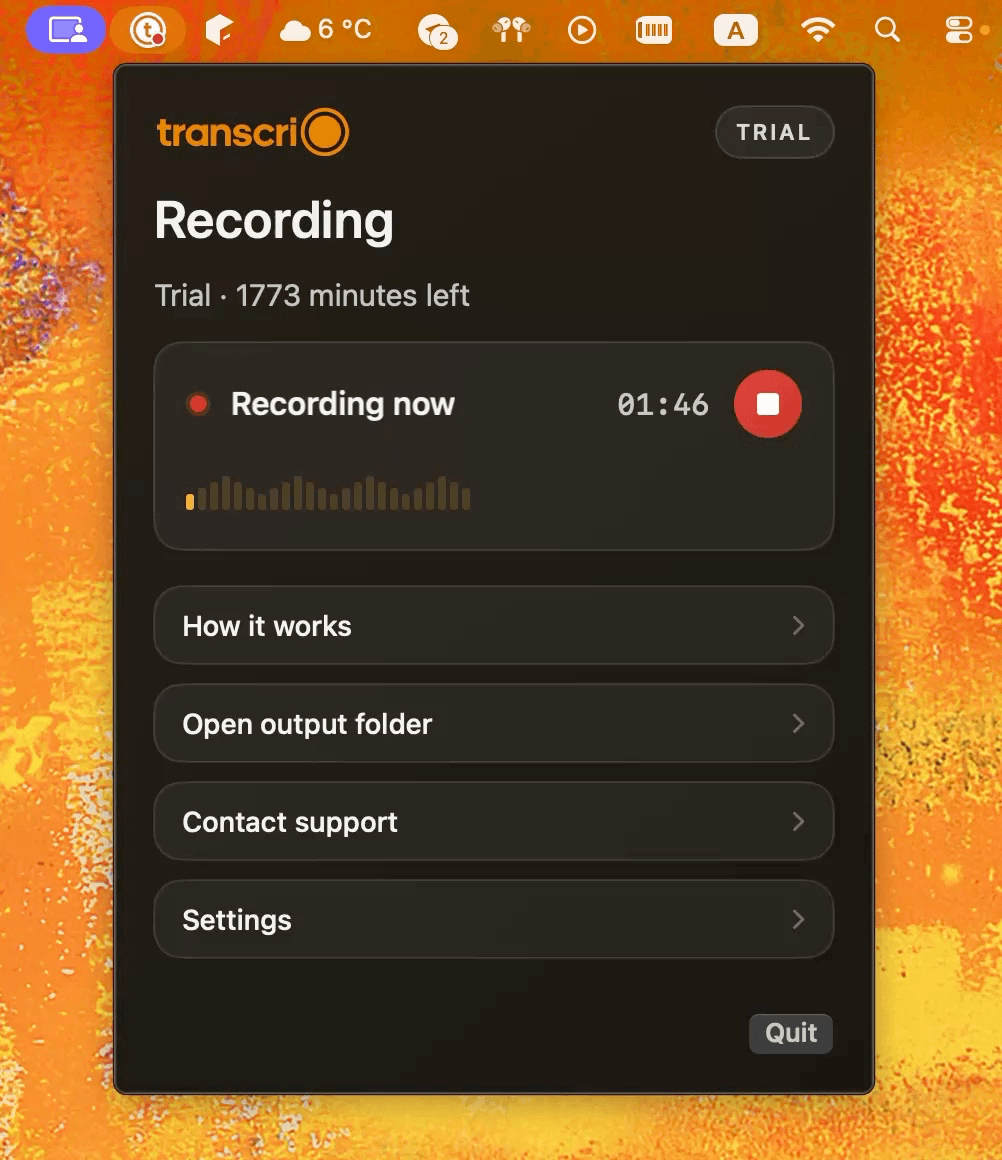
MacWhisper combines local transcription, file imports, live meeting text, dictation, and advanced exports. Transcrio records microphone and Mac audio first, then saves the source recording and managed post-recording text in your chosen folder.
Choose MacWhisper when local models, imported media, live text, subtitles, dictation, or automation matter. Choose Transcrio when you want to press record, keep the source audio, and receive a transcript and optional summary without choosing a model or supplying an AI key.
It is built for people who want to import files, choose transcription engines, edit results, create subtitles, and connect local or online AI services.
It captures microphone and system audio, keeps the source recording, and returns optional text after the session with no transcription-model setup.
MacWhisper can automatically record supported meetings, transcribe locally, and keep the result in its editor and history. Transcrio creates a simpler session folder with source audio and optional post-recording text, but it does not provide live text or local transcription.
Transcribe existing audio and video, record meetings, dictate into apps, create subtitles, and automate text workflows.
Record microphone and Mac system audio first, then save optional transcripts and summaries beside the source file.
Microphone recording, app audio, imported media, and automatic meeting detection for supported apps in the direct-download version.
Microphone, Mac system audio, or both, without joining the meeting or importing an existing file.
Local Whisper, Parakeet, and other supported models by default, with optional cloud transcription providers.
Managed online transcription after recording, included within the account's available minutes.
Connect a supported online AI provider, MacWhisper Assistant where available, Apple Intelligence, or a local Ollama or LM Studio model.
A built-in summary is available without adding an AI key; Pro and Power plans can use a custom prompt.
An editor and history for transcripts, recordings, subtitles, and multiple export formats.
Source audio and generated text are saved in a local session folder after recording.
Mac app, with a separate Whisper Transcription app also available on iPhone and iPad.
macOS 15 or newer.
MacWhisper transcription, meeting-recording, AI-service, and pricing facts were checked against official MacWhisper pages on October 13, 2026. Product behavior and prices can change.
MacWhisper Pro is listed at €64 as a one-time license with lifetime updates. Its local transcription does not require a cloud account, while online AI providers may require a separate key or subscription. Transcrio bundles recording, transcription, and summary minutes into one account and subscription path.
Explore the recording, transcription, and summary workflow before you download.
Take a 1-minute interactive tour — no signup required.
Open in a new tabTranscrio has no media import, batch transcription, subtitles, system-wide dictation, local transcription model, live meeting transcript, transcript editor, or command-line tool. Recording works without the internet, but creating text uses online processing after the session.
Transcrio requires macOS 15 or newer. It is the narrower choice when the useful result is a source recording plus post-recording text, not a configurable transcription workstation.
Short answers about local transcription, meeting capture, summaries, pricing, and files on your Mac.
Record microphone and system audio, then inspect the source file, transcript, and optional summary in your own folder.
7-day, 15-minute trial. Requires macOS 15 or newer.