Audio Hijack gives you the audio controls.
It can isolate applications and devices, process audio with blocks, record several outputs, broadcast, and transcribe on the Mac. Keep it when those controls are part of the job.
Audio Hijack is the stronger tool for precise audio capture and fully local transcription. Transcrio is narrower: record a spoken session from the Mac menu bar, keep the source audio, and add a transcript and summary after you stop.
Audio Hijack turns Mac audio into a configurable chain of sources, effects, recordings, outputs, and local transcripts. Transcrio removes most of that control and focuses on one result: source audio with reviewable text after the recording.
It can isolate applications and devices, process audio with blocks, record several outputs, broadcast, and transcribe on the Mac. Keep it when those controls are part of the job.
It captures the microphone and Mac audio, saves the recording, and can create a transcript and summary after you stop. There is no block graph or per-app routing to configure.
Detailed Mac audio capture, processing, broadcasting, scripting, and fully local transcription.
A simpler microphone-and-system-audio recording followed by an optional transcript and summary.
Build a reusable session from application, device, system-audio, effect, recorder, and output blocks.
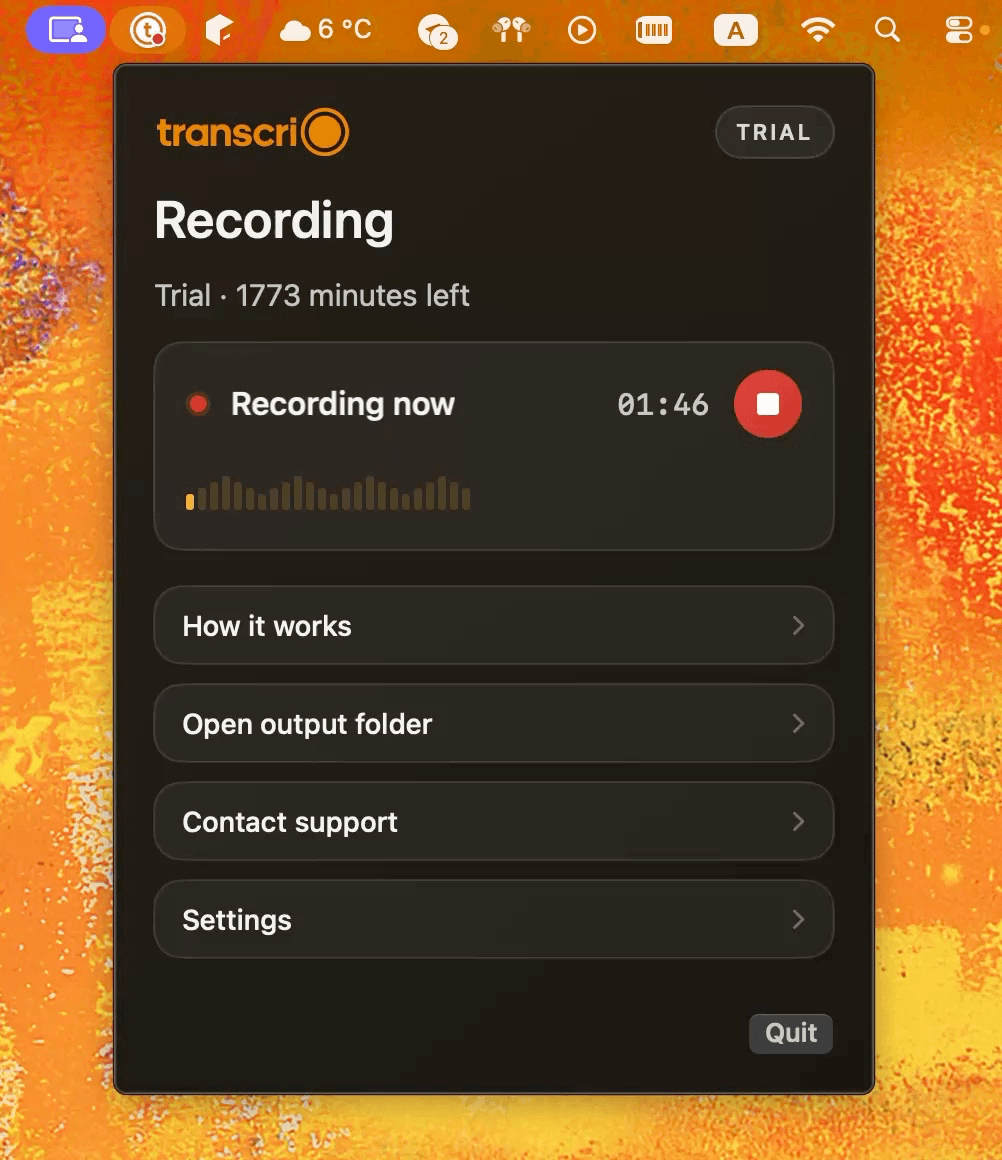
Choose the microphone, keep system audio enabled, and start or stop from the menu bar.
Capture individual apps or devices, split sources, add effects, select formats, and send audio to several outputs.
Records the selected microphone and the Mac system mix. It has no per-app routing, effects, or broadcast tools.
Saves MP3, AAC, Apple Lossless, FLAC, AIFF, or WAV in a chosen location on the Mac.
Saves an AAC .m4a recording locally and can also keep separate microphone and system-audio source files.
Runs Whisper models locally and writes a text transcript. Apple silicon is recommended.
Creates the transcript after recording over the internet, then saves the finished text back on the Mac.
The reviewed Transcribe documentation describes transcript text output, not a generated AI summary.
Can create an optional post-recording summary and save it beside the recording and transcript.
The reviewed Audio Hijack release supports macOS 14.4 through macOS 26.
Requires macOS 15 or newer.
$69 USD for a single-user license. Trial mode adds noise after ten minutes of capture until relaunch.
A 7-day trial with 15 minutes. Starter is $4.90 a month for 150 transcription minutes.
Audio Hijack features, compatibility, price, and trial behavior were checked against current Rogue Amoeba documentation on August 11, 2026.
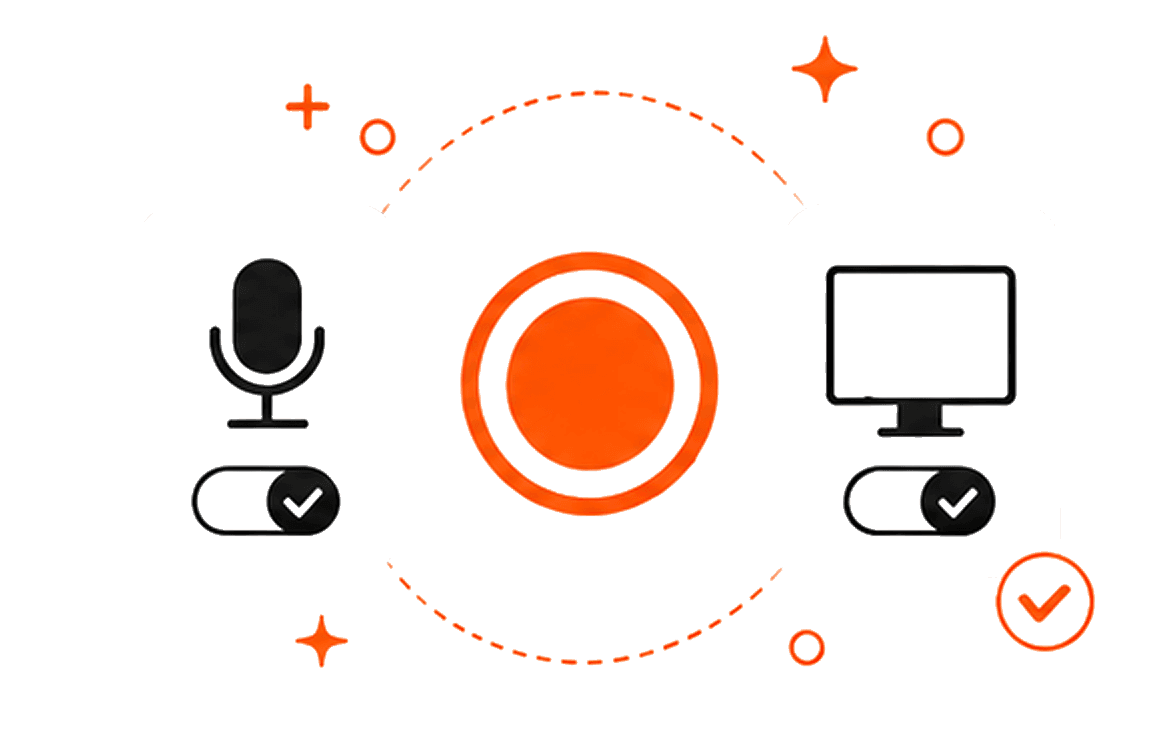
The main recording is an AAC .m4a file. You can also keep the microphone and system audio separately. When transcription is enabled, Transcrio uses the internet to create the transcript and optional summary, then saves those files beside the audio.
Turn transcription off when you only need the recording. No transcription minutes are used for that session.
A shorter setup is useful only when advanced capture, fully local transcription, and production features are not requirements.
Explore the recording, transcription, and summary workflow before you download.
Take a 1-minute interactive tour — no signup required.
Open in a new tabTranscrio has no application-specific capture, audio effects, streaming, scripting, lossless formats, or fully local transcription. It requires macOS 15 or newer, and its text processing needs an internet connection.
Current answers about local transcription, call capture, summaries, trials, and product limits.
The trial includes 15 transcription minutes over 7 days, so you can compare the saved audio, transcript, and summary with your current setup.
Requires macOS 15 or newer.