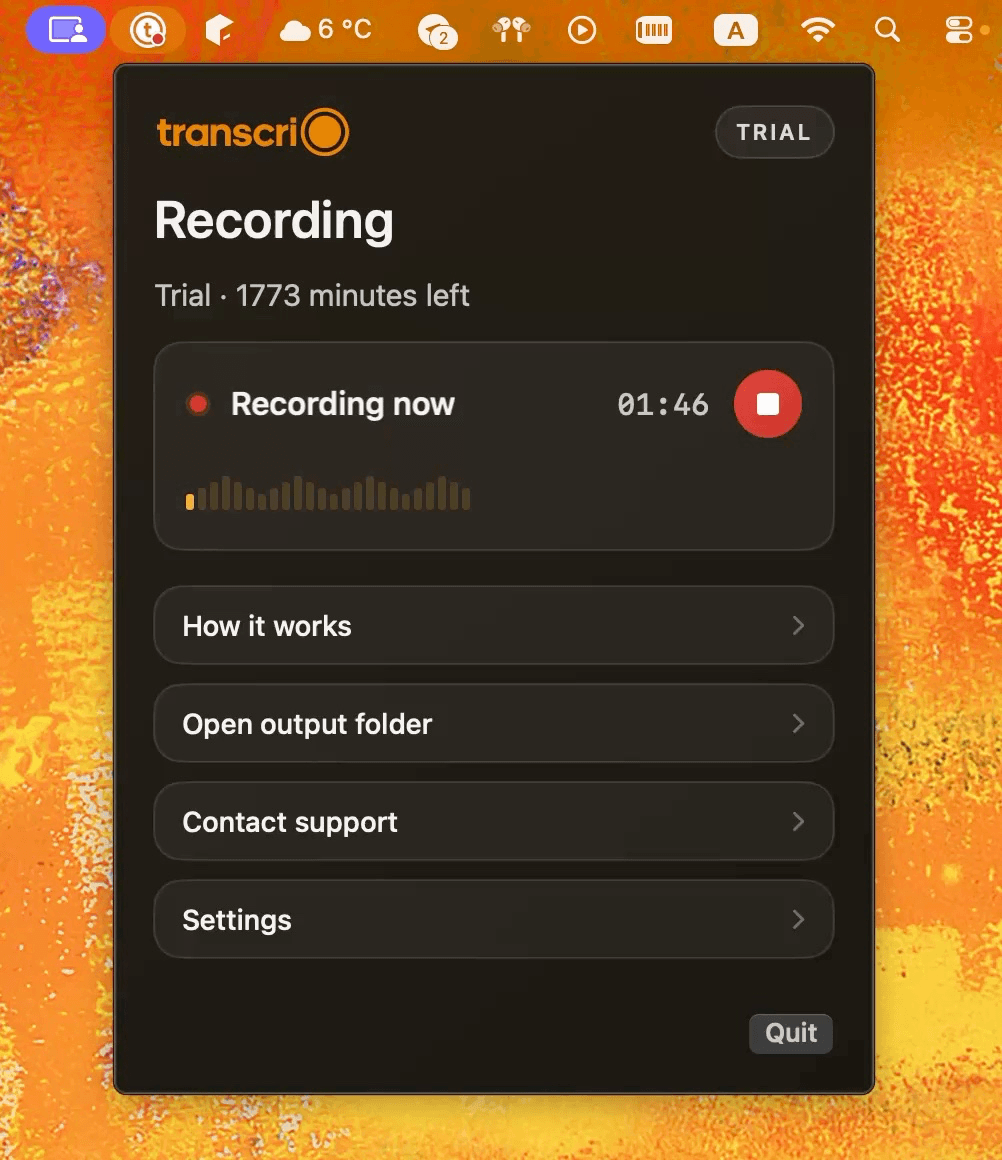
Dipper gives you control before and during capture.
Select apps and inputs, balance their levels, record the mix, or send it through a virtual microphone while the audio is live.
Dipper captures, mixes, records, and routes selected Mac audio. Transcrio is narrower: record microphone and system audio, keep the source files, and create a transcript and optional summary after you stop.
Choose Dipper when selected apps need to feed OBS, a call, a stream, or a high-quality audio file. Choose Transcrio when you want a simpler recording with source audio, a transcript, and an optional summary saved together afterward.
Select apps and inputs, balance their levels, record the mix, or send it through a virtual microphone while the audio is live.
Capture the selected microphone and Mac system mix, keep the audio, and add a transcript and summary when the spoken content matters later.
Dipper is built around application capture, audio inputs, live channel controls, recording formats, and a virtual microphone. Transcrio does not provide those controls. Dipper does not advertise transcription or summaries in the current official sources.
Capture selected Mac apps and audio inputs, control the mix, record it, or send it into another app.
Record microphone and system audio into local source files, then create an optional transcript and summary.
Choose applications and audio inputs, then adjust each channel's level, mute state, and panning.
Choose one microphone and capture the Mac system mix. There is no per-app source selection or live mixer.
Use Dipper Virtual Mic to send a mix into OBS, conferencing apps, and other compatible destinations.
Saves a recording for later review. It cannot act as a virtual microphone or route audio into another app.
Saves 48 kHz, 24-bit WAV, AIFF, or AAC and can keep selected sources as separate stereo files.
Saves the main recording as AAC .m4a and can also keep separate microphone and system-audio files.
The reviewed product pages focus on capture, routing, streaming, and audio files rather than transcripts or summaries.
Can create a transcript and optional summary after recording, then save the text beside the audio.
The current Mac App Store release requires macOS 26.0 or later.
Requires macOS 15 or newer.
Free demo; the US App Store lists a $29.99 Full Version purchase, and the official site advertises a limited-time $30 one-time offer.
A 7-day trial with 15 minutes, followed by monthly or yearly plans based on minutes.
Dipper capture, routing, recording, compatibility, and pricing facts were checked against current official Dipper and Mac App Store pages on November 17, 2026. Product behavior and prices can change.
Dipper can save 48 kHz, 24-bit WAV, AIFF, or AAC and keep selected sources separate. Transcrio saves AAC .m4a source files, then can create a transcript and optional summary through online processing.
Explore the recording, transcription, and summary workflow before you download.
Take a 1-minute interactive tour — no signup required.
Open in a new tabTranscrio cannot isolate selected applications, adjust live channel levels, stream a mix, or save WAV and AIFF. Its main recording is AAC .m4a, and creating text uses online processing after the session. Keep Dipper when audio control is the job.
Current answers about routing, recording formats, transcripts, virtual microphones, price, and macOS support.
Record microphone and system audio, then inspect the source files, transcript, and optional summary in your own folder.
7-day, 15-minute trial. Requires macOS 15 or newer.