Notta keeps the conversation ready across devices.
It supports live text, uploads, sharing, mobile capture, and a workspace where past conversations can be searched and reused.
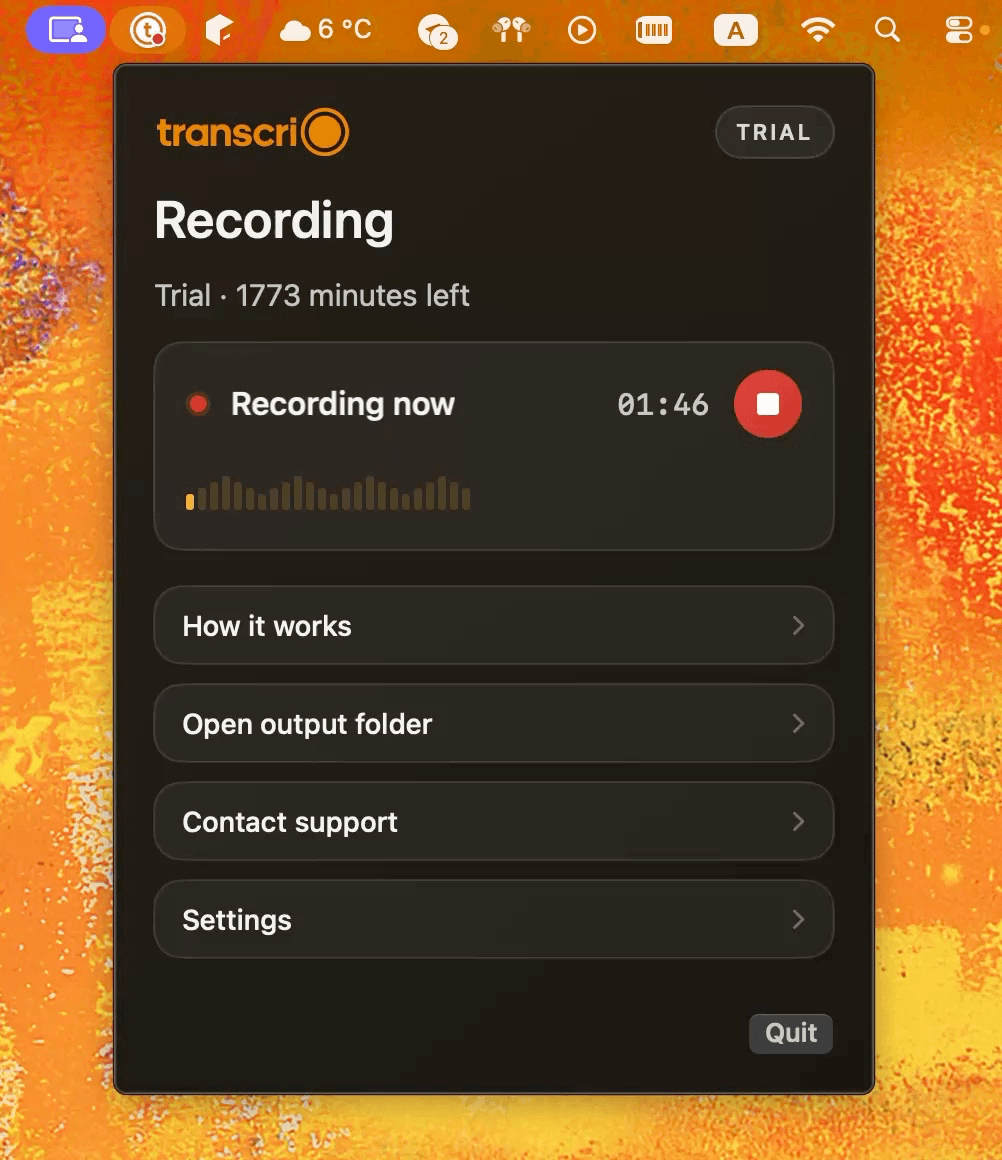
Notta combines live transcription, translation, sharing, and multiple capture methods in one account. Transcrio records microphone and Mac audio first, then saves the source recording and optional text in your chosen folder.
Choose Notta when you need live text, translation, uploads, mobile access, sharing, or team features. Choose Transcrio when a Mac recording should finish as source audio and optional text files in your own folder without a separate export step.
It supports live text, uploads, sharing, mobile capture, and a workspace where past conversations can be searched and reused.
It records microphone and system audio, keeps the source file whether or not you transcribe, and saves generated text beside the recording.
Notta Desktop records bot-free on Mac and Windows, so a hidden participant is not the useful distinction. The choice is whether you need Notta's live, connected workspace or a Mac recorder that writes the finished files into your own folder by default.
Create live transcripts, translations, notes, and searchable recordings across desktop, web, and mobile apps.
Record Mac audio first, then save optional transcripts and summaries beside the source file.
Bot-free desktop recording, a meeting bot, browser capture, file uploads, screen recording, and mobile recording.
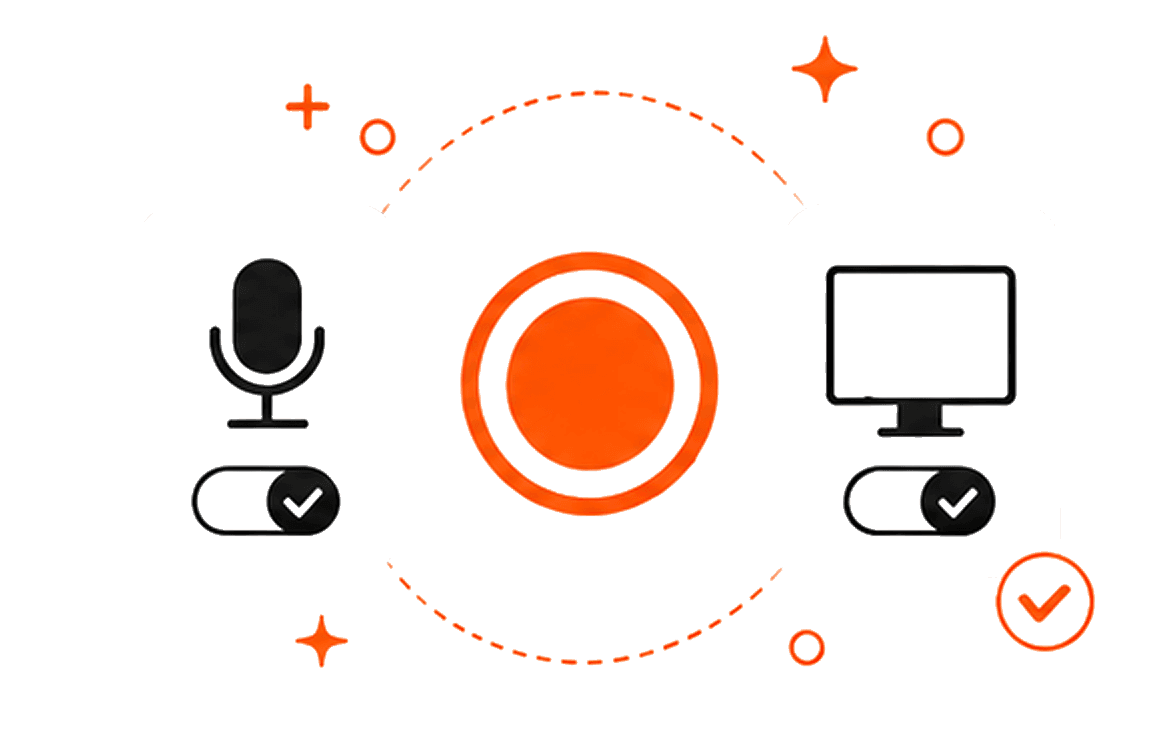
Microphone, Mac system audio, or both, without joining the meeting or uploading an existing file.
Recordings live in the Notta workspace. Pro and higher plans can export original audio, transcripts, and other supported formats.
Source audio and generated text are saved in a local session folder after recording.
Real-time transcription, translation, and AI notes are available during supported capture flows.
The transcript and optional summary are created after recording stops.
Privacy Mode can transcribe on the device; the wider Notta workspace, sync, and online AI features use the account service.
Recording can continue offline, but creating the transcript and optional summary requires internet access.
Mac and Windows desktop apps, plus web, iOS, Android, and a Chrome extension.
macOS 15 or newer.
Notta desktop, export, platform, privacy-mode, and pricing facts were checked against official Notta pages on October 9, 2026. Product behavior and prices can change.
Notta can export transcripts and original audio files from its workspace on Pro and higher plans. Transcrio removes that extra step: every completed recording leaves source audio on the Mac, with text files added when transcription is enabled.
Explore the recording, transcription, and summary workflow before you download.
Take a 1-minute interactive tour — no signup required.
Open in a new tabTranscrio has no live transcript, mobile app, file import, bilingual translation, shared conversation workspace, or native CRM sync. Recording works without the internet, but creating text uses online processing after the session.
Transcrio requires macOS 15 or newer. Notta Desktop supports Mac and Windows, while its broader service also includes web, iOS, Android, and Chrome surfaces.
Short answers about bot-free recording, exports, offline transcription, plan limits, and files on your Mac.
Record microphone and system audio, then inspect the source file, transcript, and optional summary in your own folder.
7-day, 15-minute trial. Requires macOS 15 or newer.