A PLAUD Desktop alternative with no hardware to buy.
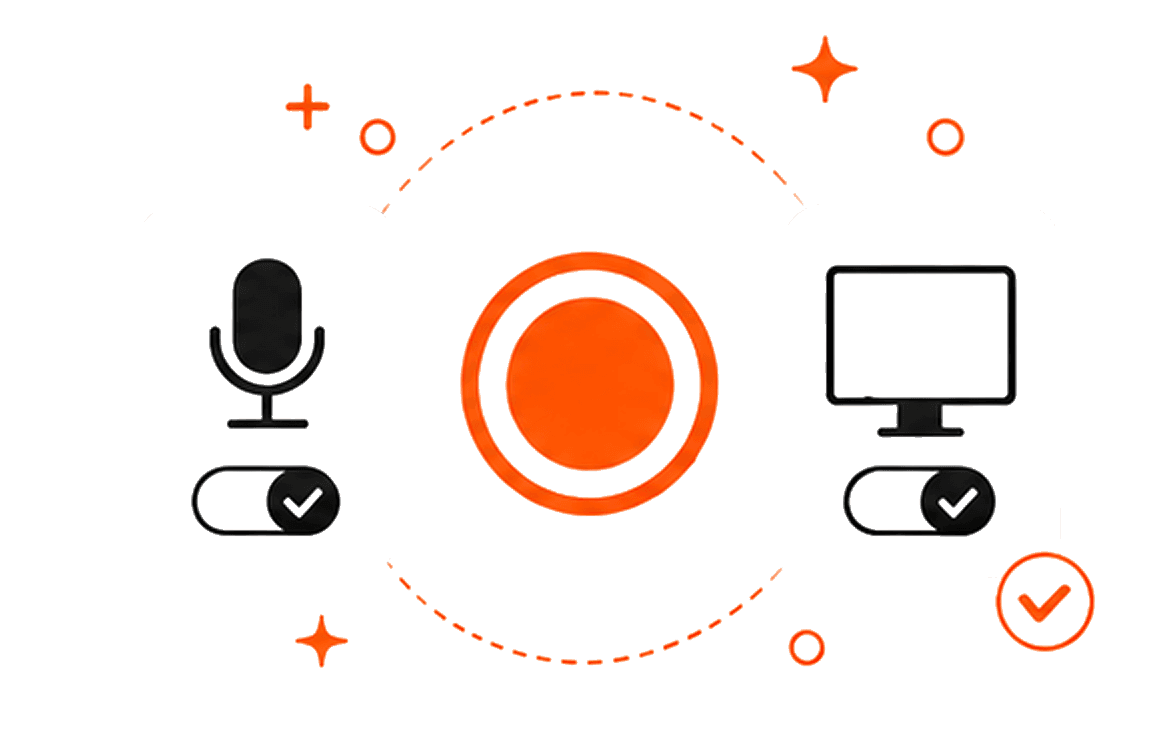
PLAUD Desktop records microphone and computer audio without a meeting bot, but it requires a compatible PLAUD device. Transcrio does not: install the Mac app, record, and keep the .m4a files locally.
The hardware requirement is the main difference.
PLAUD Desktop connects computer recordings with a physical PLAUD recorder and its cloud account. Transcrio is narrower: it records microphone and Mac audio without requiring another device.
Don't own one?
Then the device requirement is an extra purchase. If all you need is call audio and text files on one Mac, Transcrio covers that without a separate recorder.
Same audio sources, different setup.
Bind a PLAUD Note, Note Pro, NotePin, or NotePin S to the account and keep Starter or a higher membership active.
Install the app on a Mac running macOS 15 or newer.
Captures the microphone and computer audio on macOS or Windows. No meeting bot joins the call.
Captures the microphone and Mac audio from the menu bar. No meeting bot joins the call.
Sends the recording to the PLAUD account for processing. Audio can be exported later.
Writes recording_stereo.m4a to a session folder on the Mac before any optional text processing.
Lets you mark moments, type notes, and take screenshots while the recording is running.
No live notes or screenshots. It only records during the call.
Adds transcripts, summaries, Ask PLAUD, mind maps, sharing, and exports in the PLAUD account.
Can add a transcript and summary after recording and saves them beside the audio.
The physical PLAUD recorder handles in-person conversations and keeps them in the same account.
Can record through the Mac microphone, but it is not a pocket or wearable recorder.
A bound device unlocks Starter with 300 transcription minutes each month.
The trial includes 15 minutes over 7 days. Starter includes 150 minutes a month for $4.90.
PLAUD details checked against its official support and pricing pages on July 27, 2026.
The Transcrio recording is already a local file.
PLAUD lets you export audio as MP3 or WAV after recording. Transcrio writes recording_stereo.m4a to the session folder when you stop. Turn on separate source files and it also keeps the microphone and Mac audio on their own.
recording_stereo.m4a
The main recording with your microphone and Mac audio.
raw_mic.m4a + raw_system.m4a
Optional separate source files when that setting is enabled.
transcript.txt
Created after recording when transcription is turned on.
summary.txt
Saved beside the audio after the summary finishes.
What PLAUD Desktop includes that Transcrio does not
PLAUD Desktop does not use a meeting bot either. Its account also combines recordings from the desktop app and physical recorder, with live markers, screenshots, Ask PLAUD, and mind maps.
What Transcrio leaves out
There is no Windows app, physical recorder, automatic meeting detection, live note panel, screenshot capture, mind map, Ask PLAUD, or shared cloud library. Transcripts and summaries are made after the call, and that processing is not fully offline.
Transcrio requires macOS 15 or newer.
See how it works
Explore the recording, transcription, and summary workflow before you download.
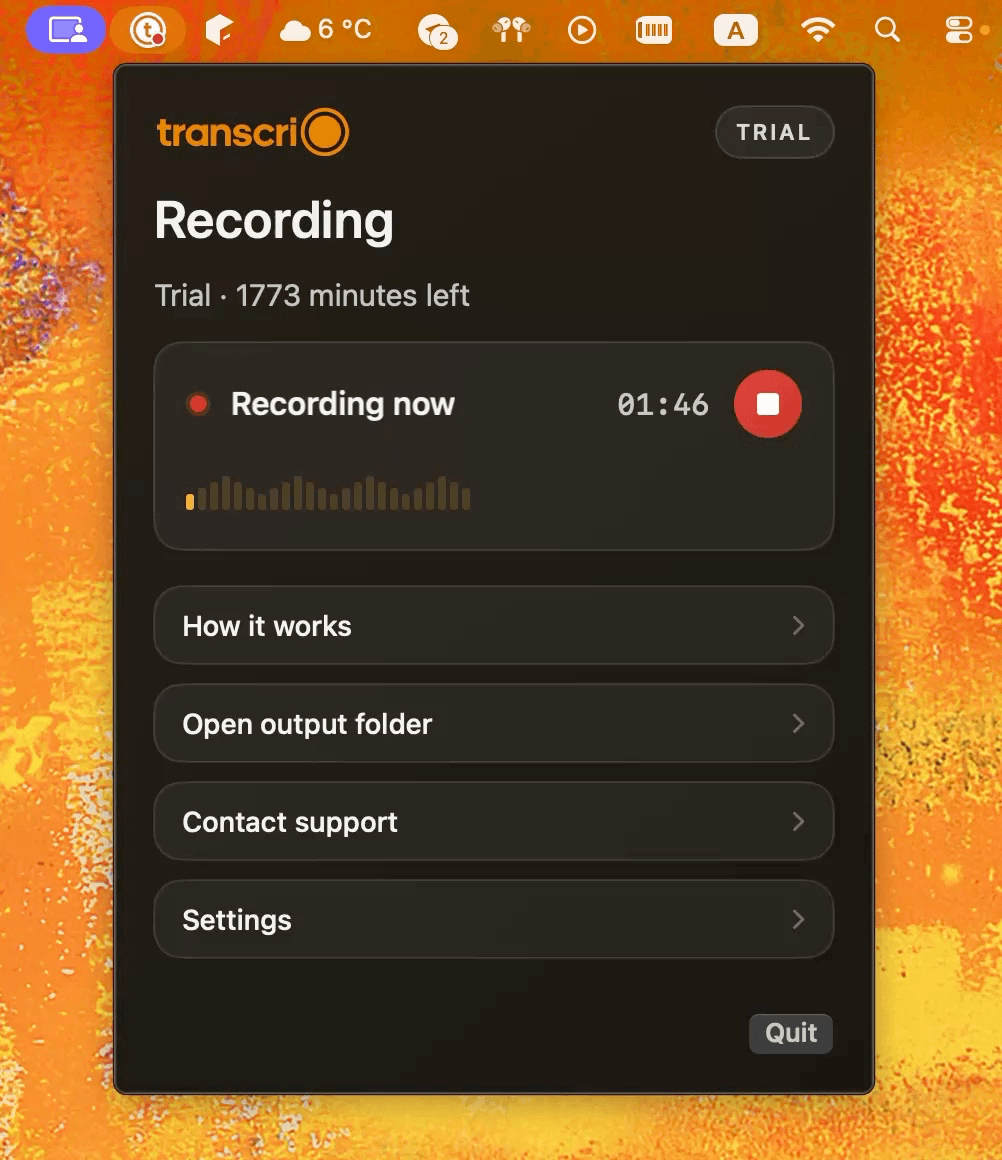
Take a 1-minute interactive tour — no signup required.
Open in a new tabWhat else should I know?
Current device, file, Windows, and offline details.
Record a Mac call without another device.
Capture your microphone and Mac audio, keep the recording, and add a transcript or summary when you need one.
Requires macOS 15 or newer.