Choose Granola for a live meeting workspace.
Granola is the stronger fit when live transcription, editable notes, calendar context, shared folders, chat, and integrations are the job. It does not leave you with an audio recording to replay later.
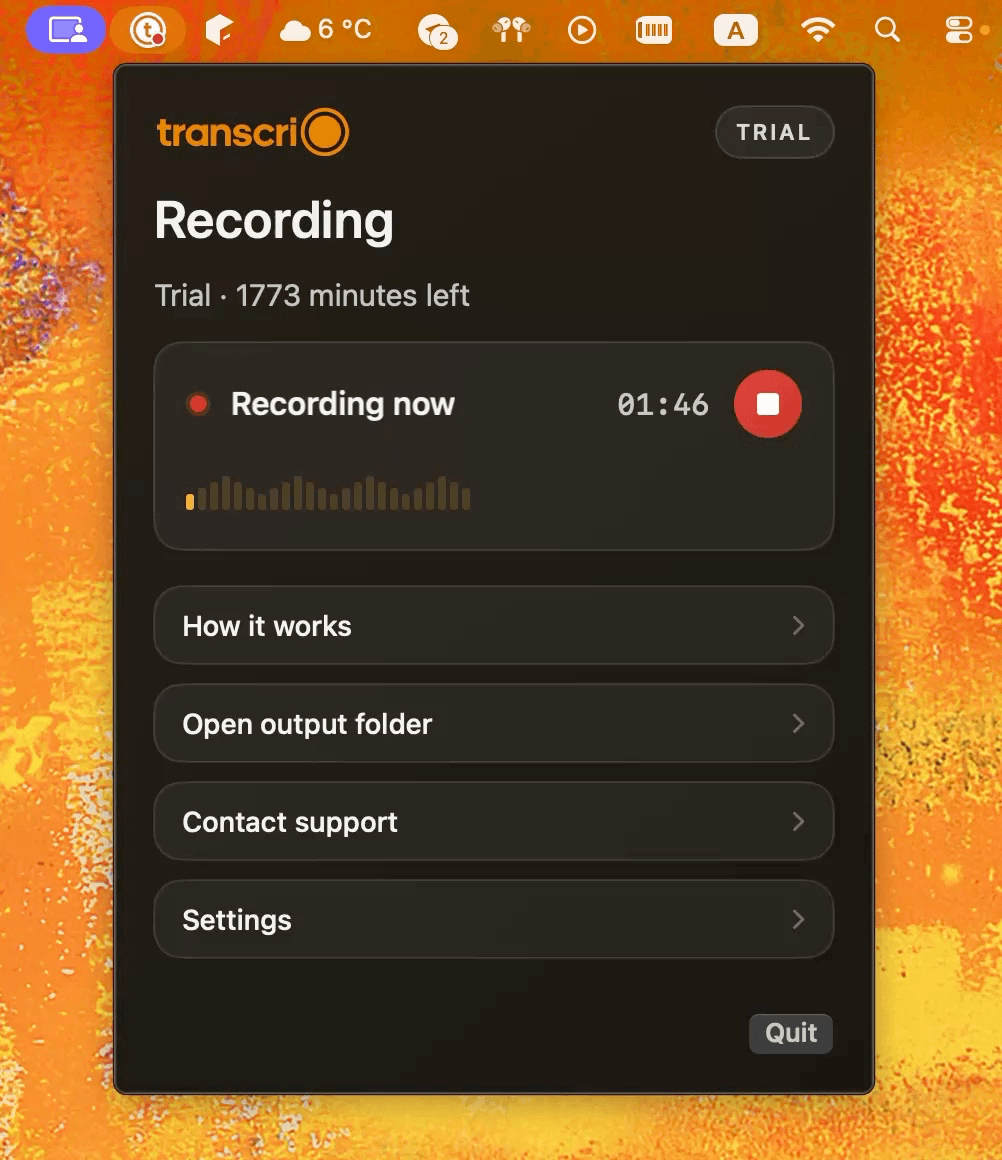
Granola is built around live AI notes. Transcrio is for the times when the source recording matters too: capture microphone and system audio, keep the files on your Mac, then create a transcript and summary.
Both apps can capture microphone and system audio on a Mac without adding a bot to the participant list. The main difference appears when the meeting ends.
Granola is the stronger fit when live transcription, editable notes, calendar context, shared folders, chat, and integrations are the job. It does not leave you with an audio recording to replay later.
Transcrio is the stronger fit when you need to replay exact wording, keep evidence outside a vendor workspace, or process audio that was never a calendar meeting in the first place.
The facts below are deliberately narrow. They cover the workflow a Mac user can verify, rather than scoring unrelated feature counts.
Live AI notes for meetings, with calendar context and a shared workspace.
Local source audio first, followed by an optional transcript and summary.
Desktop app captures microphone and system audio without a meeting bot.
Menu bar app captures microphone and system audio without a meeting bot.
No accessible recording. Granola says temporary audio is deleted after transcription.
A local .m4a recording, plus optional separate microphone and system-audio files.
Live transcript, editable notes, templates, chat, and post-meeting Recipes.
Transcript and summary are produced after recording and saved with the local session files.
Desktop capture on macOS and Windows, plus an iPhone app.
macOS 15 or newer.
Shared folders and team features, with integrations on paid plans.
No shared note workspace or CRM sync. Files stay in the folder system you control.
Basic is $0 with access to the last 30 days of notes. Business is $14 per user/month.
A 7-day, 15-minute trial. Starter is $4.90/month for 150 transcription minutes.
Granola facts were checked against its official product documentation on July 12, 2026. Prices and product behavior can change.
A live transcript is useful during a meeting. A source file is useful six weeks later, when a name was transcribed incorrectly or the summary left out the one sentence you need.

The main local recording with microphone and system audio.
An optional separate microphone source file.
An optional separate system-audio source file.
Searchable text produced after recording when transcription is enabled.
A post-recording summary saved beside the source files.
Session metadata that makes the folder easier to understand later.
Explore the recording, transcription, and summary workflow before you download.
Take a 1-minute interactive tour — no signup required.
Open in a new tabTranscrio is Mac-only. It does not provide a live transcript, shared meeting folders, calendar context, team chat, or CRM integrations. Transcription and summary processing happen after recording and are not fully local or offline.
Comparison facts were checked against current product documentation on July 12, 2026.
Short answers about audio files, bots, privacy, platforms, and pricing.
Record microphone and system audio, then decide whether the session also needs a transcript and summary.
Requires macOS 15 or newer.