Routing sends audio into another application.
A virtual device is the right tool when OBS, a DAW, Discord, or another application must see Mac audio as an input.
Soundflower passes audio between applications. Transcrio records microphone and Mac audio directly, saves the source file, and can create a transcript and summary after you stop.
If another app needs Mac audio as an input, replace Soundflower with a maintained virtual device such as BlackHole. If you only need to record the audio and keep the result, Transcrio avoids the virtual-device setup.
A virtual device is the right tool when OBS, a DAW, Discord, or another application must see Mac audio as an input.
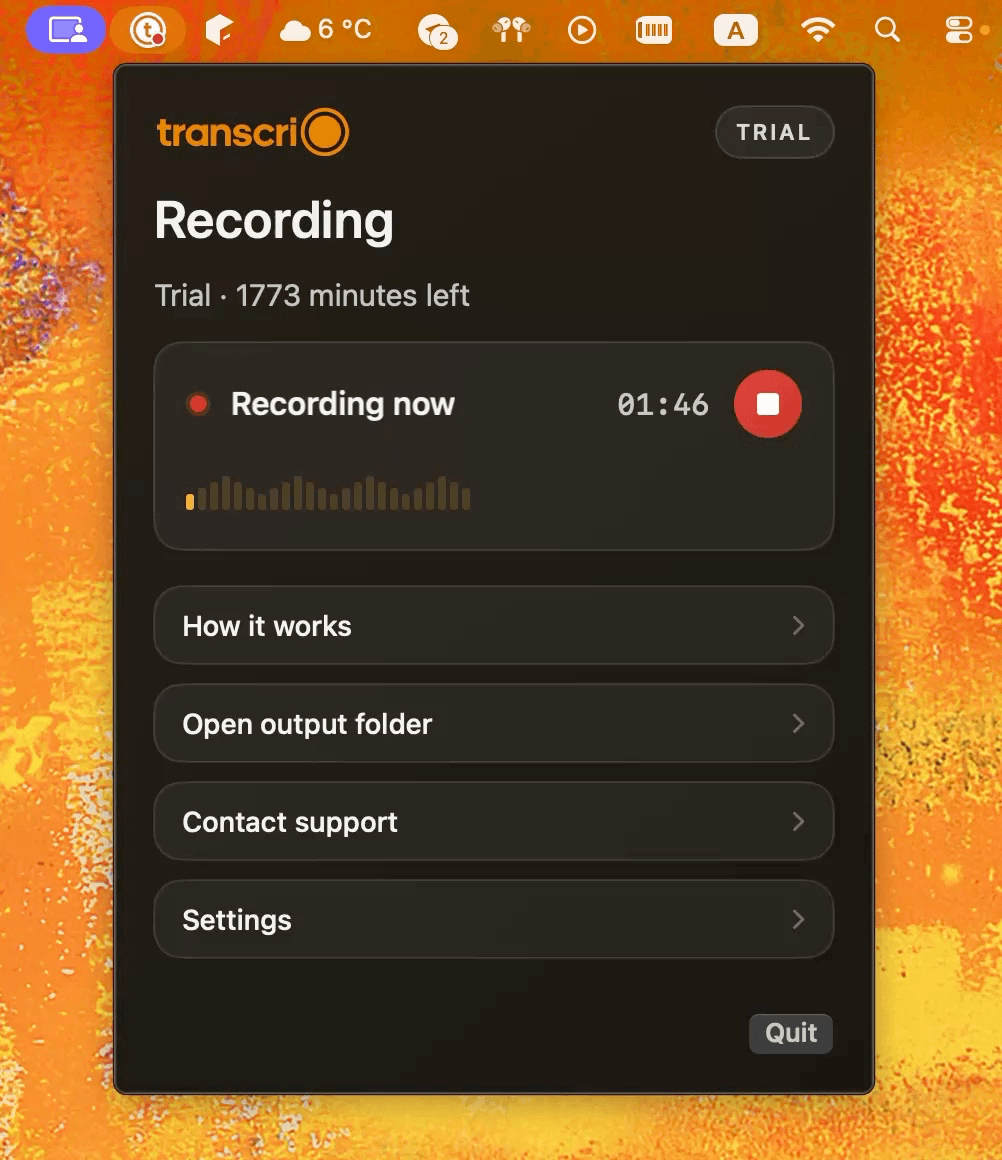
Transcrio captures the selected microphone and system audio, then saves the completed recording in a local session folder.
Soundflower is a virtual audio extension, not a recorder. Its official release expects Audio MIDI Setup and a separate receiving app. Transcrio does not route audio, but it handles the recording and optional text in one menu bar app.
Create a virtual audio device that passes sound from one application to another.
Record microphone and Mac audio into source files, with optional text afterward.
Yes. Select Soundflower as the output and as the receiving application's input.
No. Transcrio records directly and does not appear as a virtual input in other apps.
Requires a separate recording application such as QuickTime, a DAW, or OBS.
Saves an .m4a source recording locally after every completed session.
Requires an Aggregate Device or another app that mixes the microphone with the virtual device.
Captures the selected microphone and system audio in the same recording session.
Not included. Soundflower only moves audio between applications.
Optional text is created after recording and uses an internet connection.
The official 2.0b2 release is for Big Sur 11.1 and earlier and says M1 is unsupported.
Requires macOS 15 or newer, including Apple Silicon Macs.
Soundflower release support, BlackHole routing, OBS capture, and Apple permission facts were checked against official sources on September 25, 2026. Product behavior can change.
Transcrio saves an .m4a recording after every completed session. Turn transcription on when you also want searchable text and an optional summary, or leave it off when the audio file is enough.

BlackHole is a maintained loopback driver for passing audio between apps on Intel and Apple Silicon Macs.
OBS 30 on macOS 13 or newer can capture desktop or application audio alongside scenes, video, and streaming controls.
Transcrio records the audio directly and can add a transcript and summary after the session.
Explore the recording, transcription, and summary workflow before you download.
Take a 1-minute interactive tour — no signup required.
Open in a new tabTranscrio cannot send Mac audio into OBS, a DAW, Discord, or another receiving app. It does not record screen video, stream, mix custom channels, or add audio effects. Text is created after recording and requires an internet connection.
Transcrio requires macOS 15 or newer.
Short answers about current Mac support, routing, direct recording, local files, and post-recording text.
Record both sources, then inspect the source file, transcript, and optional summary in your own folder.
7-day, 15-minute trial. Requires macOS 15 or newer.