Fireflies keeps the meeting ready for team follow-up.
Follow live text, search past meetings, share notes, assign tasks, and connect the result to team tools from one service.
Fireflies turns meetings into live notes inside a searchable service. Transcrio records Mac audio into source files first, then saves an optional transcript and summary beside them.
Choose Fireflies when live notes, meeting search, sharing, and integrations matter. Choose Transcrio when the session should end as source audio and text files in your Mac folder.
Follow live text, search past meetings, share notes, assign tasks, and connect the result to team tools from one service.
Record microphone and system audio, keep the source file whether or not you transcribe, and save generated text beside it after processing.
Fireflies now offers desktop capture without Notetaker joining the call. The useful difference is what remains afterward: live notes in a meeting service or a source recording and text in your own folder.
Live transcripts, meeting notes, search, sharing, and team follow-up.
Mac audio recording first, followed by optional text files after the session.
Take Notes captures system audio from the desktop without adding Notetaker.
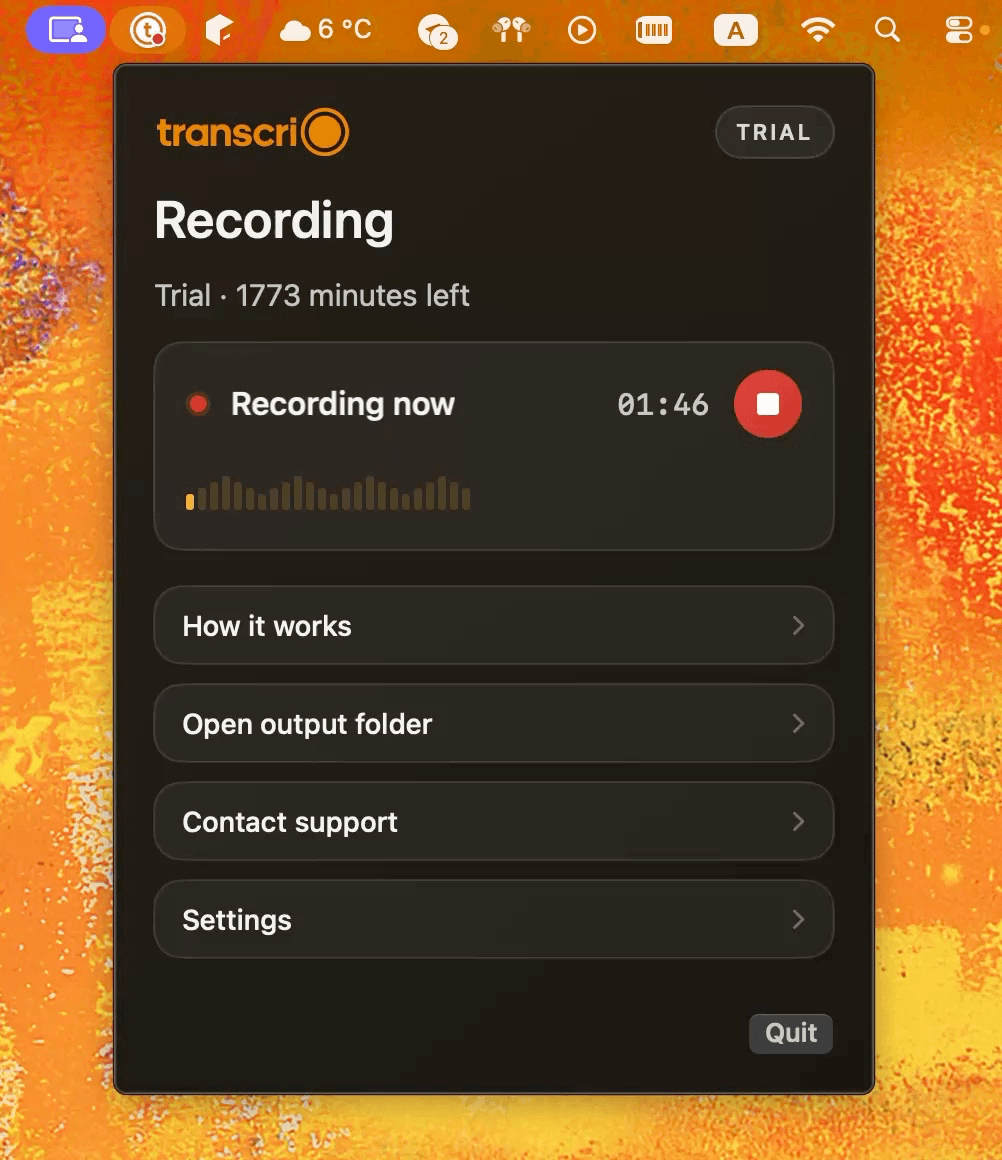
The menu bar app records microphone and Mac audio without joining the call.
Take Notes does not save a separate audio or video file; Notetaker mode can.
An .m4a source recording is saved locally after every completed session.
Live transcripts and notes are available during desktop capture.
The transcript and optional summary are created after recording stops.
Meeting search, shared workspaces, integrations, tasks, and team features.
Local files you review and move into another tool yourself.
Desktop apps for macOS 12+ and Windows 10+, plus mobile, web, and Chrome options.
macOS 15 or newer.
Free plan; Pro is $18/seat monthly or $10/seat monthly when billed annually.
A 7-day, 15-minute trial. Starter is $4.90/month for 150 transcription minutes.
Fireflies desktop capture, saved-file, platform, storage, and pricing facts were checked against official Fireflies pages on September 11, 2026. Prices and product behavior can change.
Fireflies says its bot-free Take Notes mode creates notes, a transcript, and a summary without saving a separate audio or video file. Transcrio writes an .m4a recording to the Mac after every completed session.
Explore the recording, transcription, and summary workflow before you download.
Take a 1-minute interactive tour — no signup required.
Open in a new tabTranscrio is Mac-only and has no live transcript, calendar agent, shared meeting workspace, task manager, conversation analytics, or native CRM sync. Recording can continue without the internet, but creating text uses online processing after the session.
Transcrio requires macOS 15 or newer. Fireflies Desktop supports macOS 12 or newer.
Short answers about bot-free capture, source recordings, live text, local files, and team features.
Record microphone and system audio, then inspect the source file, transcript, and optional summary in your own folder.
7-day, 15-minute trial. Requires macOS 15 or newer.