recording_stereo.m4a
The main local recording with microphone and system audio.
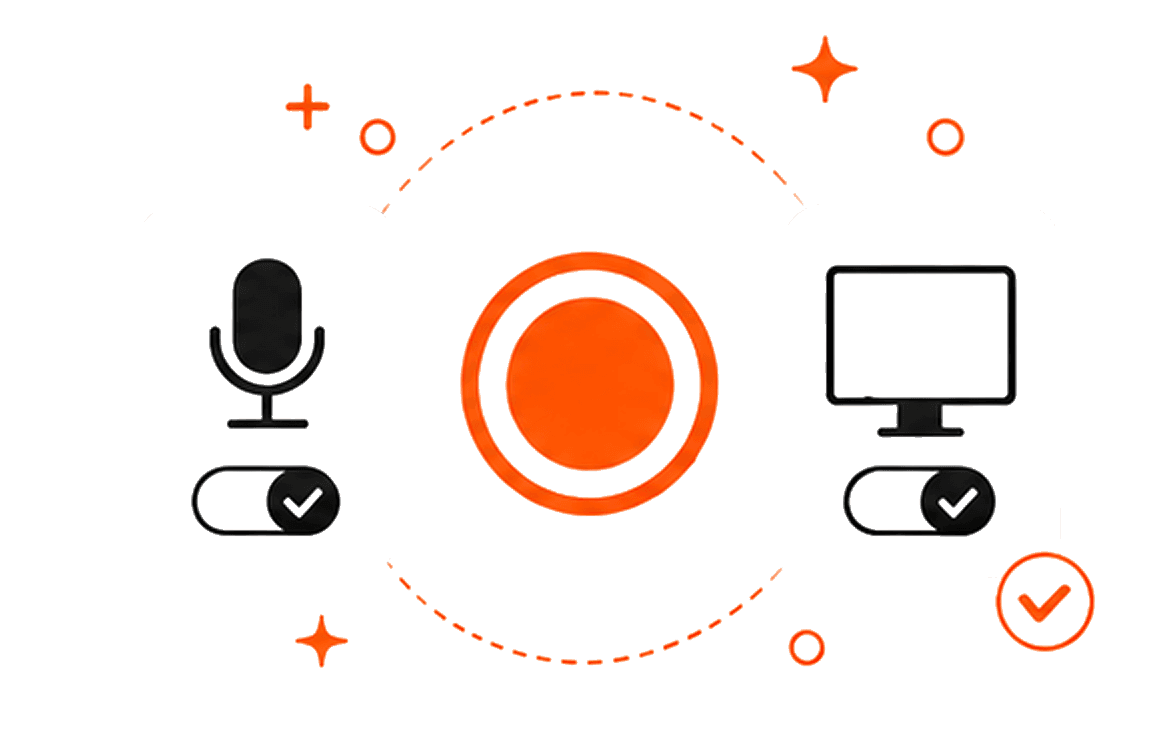
Transcrio captures microphone and system audio on your Mac, keeps the source files in your folder, and can create a transcript and summary after the call—without joining as a meeting bot.
Use Transcrio when you want your own source material first. Record the call, verify the transcript, then move only the useful, reviewed details into your CRM or client workspace.
Capture the microphone and the audio playing through the Mac without inviting a meeting bot.
Use the local session folder as the source of truth for the recording and the text outputs you enable.
Check names, dates, promises, objections, and next steps against the transcript before reusing them.
Paste the final CRM note or follow-up into the system your team already uses. Transcrio does not sync it automatically.
A meeting bot or conversation-intelligence workspace is a better fit when your team needs live notes, automatic CRM sync, shared libraries, or manager dashboards. Transcrio is the narrower recorder-first option: one Mac app, local source files, and post-call text you review before reuse.
The local session folder keeps the primary artifacts together. Transcription and summary processing are not fully offline, and Transcrio does not keep the audio, transcript, or summary as permanent backend storage.
The main local recording with microphone and system audio.
Optional separate source files when that setting is enabled.
Searchable text and the richer transcript payload when transcription is enabled.
Reviewed call context and session details saved beside the source files.
Give the notices and obtain the consents required for your situation before you start. If someone declines or the call cannot be recorded under the relevant policy or rules, take written notes instead.
Follow the consent-aware setup and recording checklist.
Review a sales call transcriptTurn the transcript into objections, next steps, CRM notes, and follow-up.
Turn a support call into reusable knowledgeConvert a repeated answer into a reviewed knowledge-base draft.
Check setup and permissionsPrepare microphone and system-audio access before an important call.
Short answers about bots, CRM handoff, offline recording, files, and call permissions.
Record microphone and system audio, review the transcript and summary, then move the final notes into the workflow your team already uses.
7-day, 15-minute trial. Requires macOS 15 or newer.