How to record a client call without inviting a bot
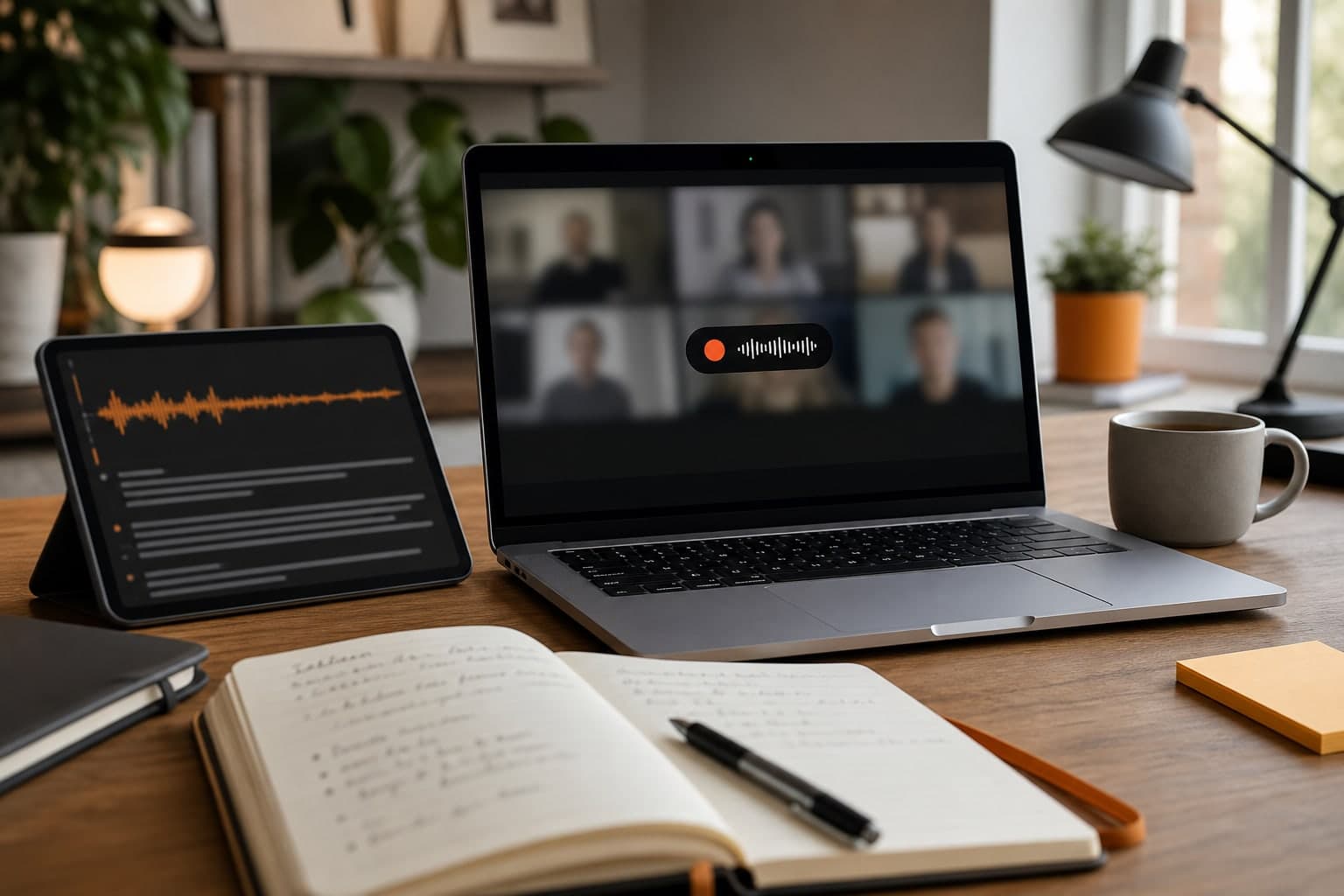
Some client conversations are too useful to lose, but adding a meeting bot can change the tone of the call. It may feel too formal for a discovery call, support conversation, pricing discussion, or quick follow-up. A local recorder-first workflow keeps the meeting lightweight: you handle the recording moment yourself, capture the audio on your Mac, and turn the transcript into useful notes after the conversation ends.
Short answer
If you need accurate client-call notes but do not want to invite a meeting bot, record locally from your Mac. The workflow is: ask for consent, start Transcrio before the important part begins, keep the original audio file, then use the transcript and summary to write the follow-up.
This works best when the call is yours to document, the participants are comfortable with recording, and the output needs to live in your own client or project folder instead of a shared meeting-bot workspace.
Decide whether a bot is actually needed
Meeting bots are useful when the team wants a visible attendee, shared meeting notes, or a centralized workspace. They are less useful for quick client calls, sales follow-ups, support sessions, demos, or ad hoc conversations where adding a bot creates friction.
A local recorder is often better when the main job is simple: capture the conversation, keep the source audio, and create a transcript or summary afterwards. That is the workflow Transcrio is built for on macOS.
- Use the platform recorder when the meeting host controls recording and everyone expects the platform notice.
- Use written notes when the conversation is low stakes or recording would feel unnecessary.
- Use a local recorder when you need reliable capture across browser audio, calls, demos, and ad hoc conversations.
Start with a clear consent moment
Do not hide the recording action inside setup. Make it a short, explicit step before you click record: say what you want to record, why, and how the output will be used.
For example: "I would like to record this so I can write accurate follow-up notes. Is that okay?" Wait for agreement, then start recording. If someone declines, take written notes instead.
Set up the local recorder before the call
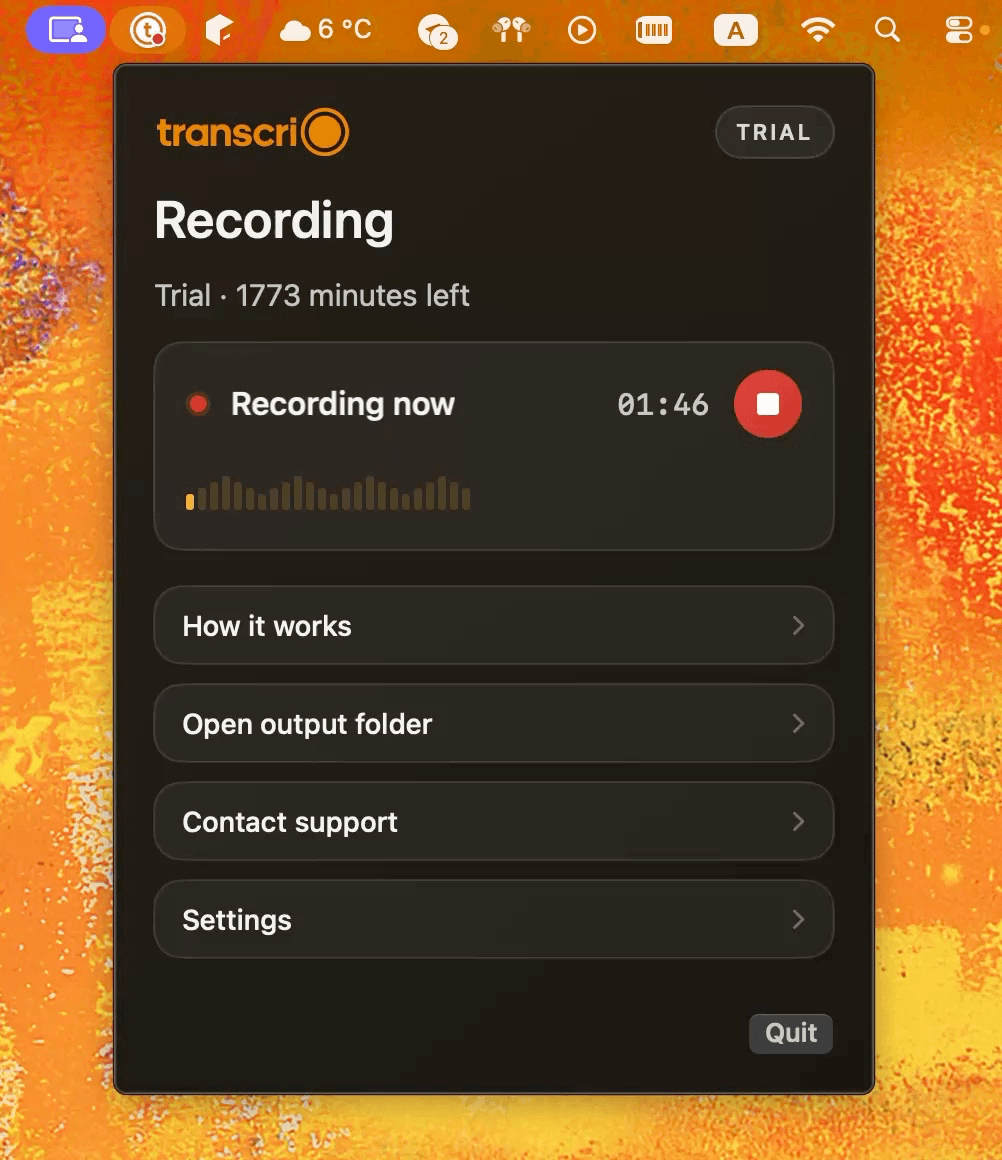
Do the setup before the client is waiting. Download Transcrio on the Mac you use for calls, sign in with your email, and complete the macOS permissions for microphone and system audio capture.
Keep Transcribe after recording enabled if you want the transcript and summary to start automatically when the call ends. For longer calls, keep Prevent Mac sleep during recording enabled so the Mac does not interrupt the capture session.
- Open Transcrio before the meeting starts.
- Confirm your input and system-audio permissions are ready.
- Start recording before the client begins sharing details.
- Stop recording when the call ends and let the app save the local file.
See the Transcrio workflow
From recording on a Mac to a local transcript and summary.
Take a 1-minute interactive tour — no signup required.
Open in a new tabWhat you should have after the call
After the call, keep the original audio file in the client folder or project folder where you already store context. The transcript is for search and review; the audio is the durable source if tone, wording, or timing matters later.
The goal is not to archive a raw transcript and never read it again. A useful client-call workflow should leave you with a small set of artifacts that can drive the next step.
- The original local audio file.
- A searchable transcript for names, numbers, objections, and commitments.
- A summary organized around decisions, blockers, promised follow-ups, owner names, and open questions.
- A reviewed follow-up note or email draft for the client.
Example: turn a discovery call into follow-up
For a discovery or sales call, review the transcript for the client's exact pain, budget hints, objections, decision criteria, and next deadline. Then turn the summary into a concise follow-up: what you heard, what you will send, what the client owes you, and when the next decision happens.
For support or success calls, use the same source material differently: capture reproduction steps, affected users, promised timelines, and any workaround you gave during the call. If the call was sensitive or contractual, keep the recording and transcript access limited to the people who actually need them.
- Check names, numbers, commitments, and dates against the transcript.
- Store the recording, transcript, and summary under the same project or client naming pattern.
- Review the summary before sending it to the client.
Next steps
FAQ
Can I record without joining a meeting bot?
Yes. Transcrio records locally on your Mac, so it does not need to join the meeting as a bot or appear as another participant.
Should I rely only on the transcript?
No. Keep the source audio for important calls. Transcripts are useful for search and summaries, but the original recording preserves tone and exact delivery.
What should I send after a client call?
Send a short reviewed follow-up, not the raw transcript. Use the transcript to verify details, then summarize decisions, open questions, owners, and next steps.