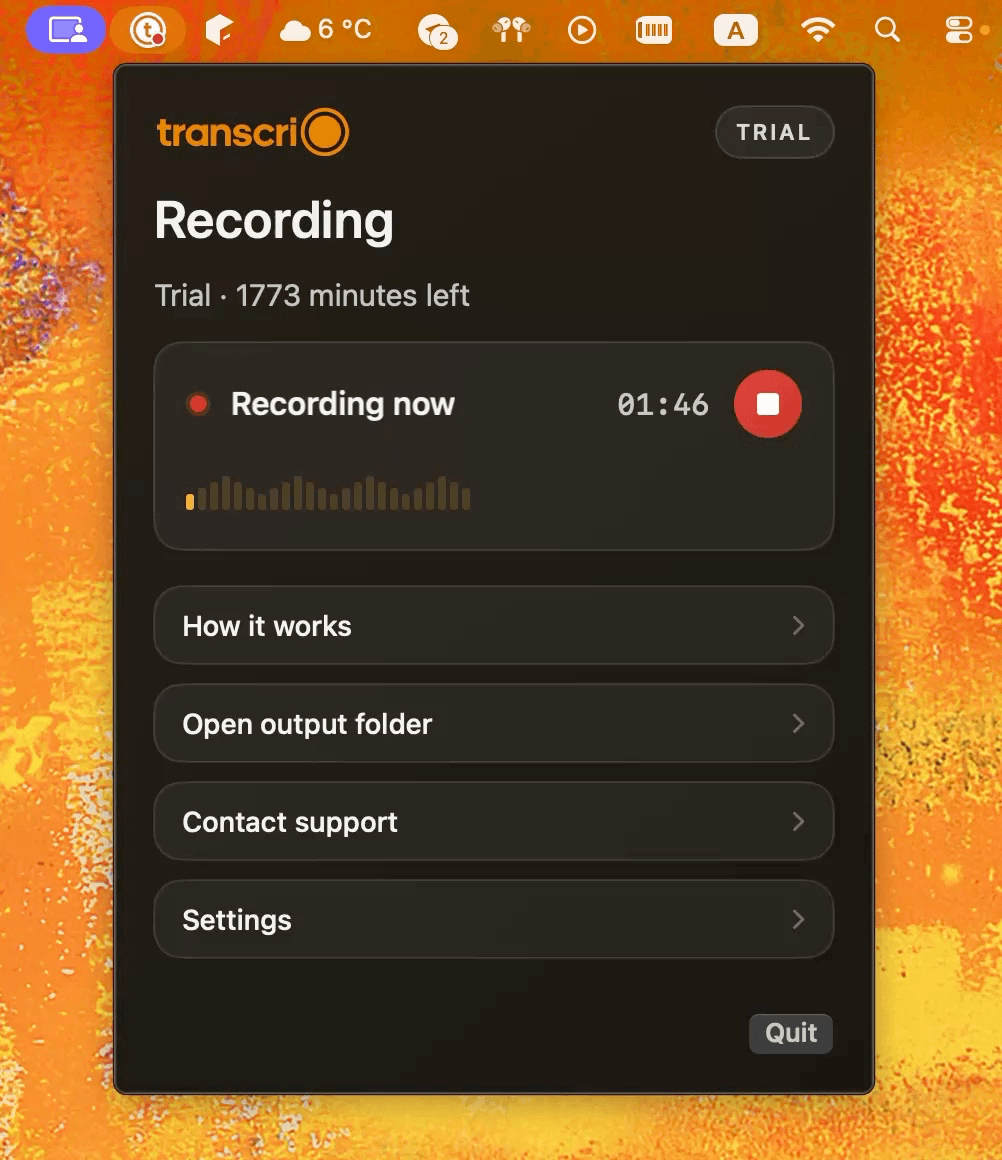
tl;dv connects the recording to team follow-up.
It keeps meetings ready for search, notes, clips, sharing, integrations, and cross-meeting review inside one service.
tl;dv turns meetings into a searchable library with notes, video, sharing, and automation. Transcrio records microphone and Mac audio into source files first, then saves an optional transcript and summary beside them.
Choose tl;dv when recordings, live notes, video, sharing, and automation should stay together for a team. Choose Transcrio when any Mac audio should finish as a source recording and optional text files in your own folder.
It keeps meetings ready for search, notes, clips, sharing, integrations, and cross-meeting review inside one service.
It records microphone and system audio, keeps the source file whether or not you transcribe, and saves generated text beside the recording.
tl;dv Desktop records microphone and system audio without a bot on Mac and Windows. The useful distinction is whether the completed session should live in a meeting service or arrive as source audio and text in a folder you already use.
Turn meetings into a searchable library with recordings, transcripts, AI notes, sharing, and team follow-up.
Record Mac audio first, then save optional transcripts and summaries beside the source file.
Use a meeting bot for supported calls or tl;dv Desktop for bot-free microphone and system-audio capture.
Record microphone, Mac system audio, or both without joining the participant list.
The meeting service can keep video and live notes; bot-free desktop capture records audio only.
No video or live transcript. The transcript and optional summary arrive after recording stops.
The meeting normally appears in the tl;dv library, with downloads and API access governed by plan and timing rules.
Source audio and generated text are saved in a local session folder after recording.
Recordings are stored for three months; transcripts and notes remain accessible after recordings move to archive storage.
The 7-day trial includes 15 minutes. Completed source files stay in the folder you chose on the Mac.
Bot-free desktop capture runs on Mac and Windows, with the meeting library available through tl;dv.
macOS 15 or newer.
tl;dv desktop, storage, export, and pricing facts were checked against official tl;dv product and help pages on October 27, 2026. Product behavior can change.
Free-plan recordings are stored for three months and can be downloaded during the four weeks before scheduled deletion. Transcrio finishes each recorded session with source audio on the Mac and adds text files when transcription is enabled.
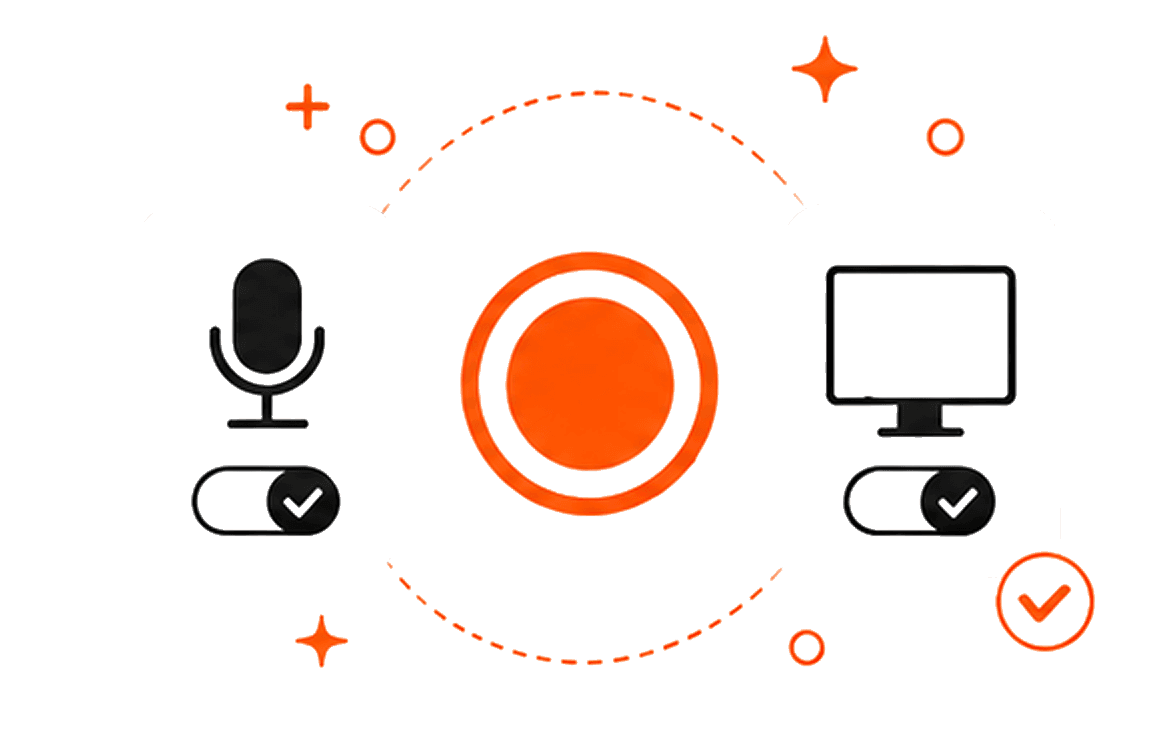
Explore the recording, transcription, and summary workflow before you download.
Take a 1-minute interactive tour — no signup required.
Open in a new tabTranscrio has no live transcript, shared meeting library, calendar-driven capture, clips, team analytics, or native CRM sync. Recording works without the internet, but creating text uses online processing after the session.
Transcrio requires macOS 15 or newer. tl;dv Desktop supports bot-free audio capture on Mac and Windows, while completed meetings appear in its library.
Short answers about bot-free recording, meeting libraries, retention, exports, local files, and offline capture.
Record microphone and system audio, then inspect the source file, transcript, and optional summary in your own folder.
7-day, 15-minute trial. Requires macOS 15 or newer.