How to write a custom meeting summary prompt
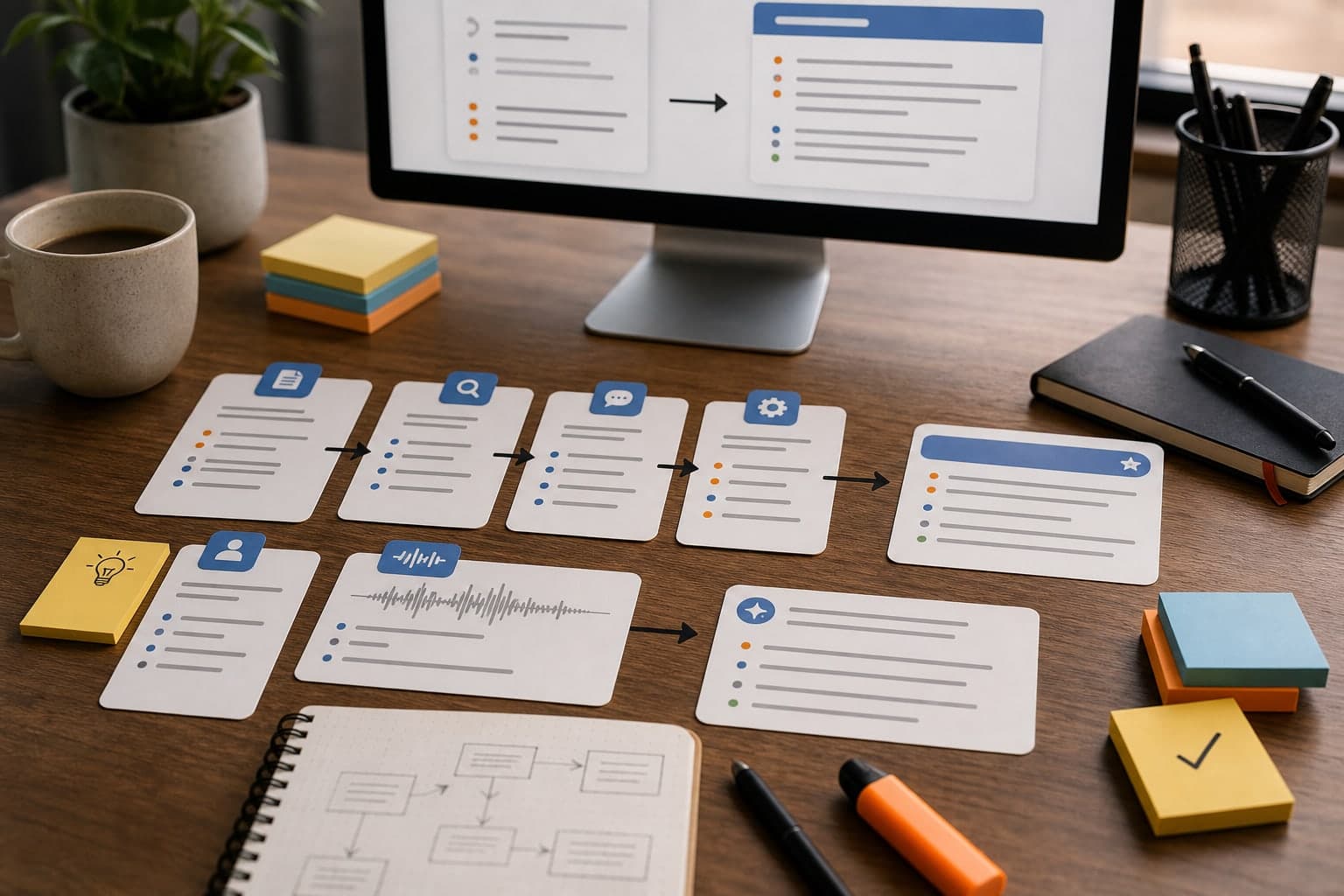
A good custom summary prompt does not ask the model to be clever. It tells the model what you review after every call, how to separate signal from context, and what format will be useful next week.
Short answer
A good custom meeting summary prompt defines the job of the summary, the sections you expect every time, and the facts the model must not invent. Start with a reusable structure, then adjust it only when your review workflow changes.
For most meeting transcripts, the useful default is simple: decisions, action items, open questions, risks or objections, and a follow-up draft. That gives you a summary you can review, search, and send without rewriting from scratch.
Start with the decision you need after the call
Before writing the prompt, decide what the summary must help you do. Do you need to send a client follow-up, update a CRM, prepare lecture notes, write product requirements, or track interview feedback?
That job should shape the sections. A generic summary is easier to write, but a specific summary is easier to use.
Use this prompt structure
Write the custom summary prompt as instructions, not as a vague request. Name the transcript as the source, define the sections, and add a rule for missing information.
- Source: summarize only from the transcript.
- Audience: name who will read the summary later.
- Sections: list the exact headings you want every time.
- Evidence rule: do not invent owners, dates, prices, or decisions.
- Output rule: keep the summary concise enough to review quickly.
Use a stable structure
A stable structure makes summaries comparable across calls. If every client call summary has decisions, action items, objections, open questions, and follow-up draft, review becomes faster.
Avoid asking for too many sections. Five useful sections beat twelve empty ones.
- Decisions made
- Action items with owner and deadline
- Open questions
- Risks or objections
- Suggested follow-up message
Tell the model what not to invent
A summary prompt should include a boundary: if the transcript does not mention an owner, deadline, price, or decision, say that it was not specified. This protects the summary from sounding more certain than the call actually was.
For customer-facing work, this matters. You can edit style later, but you do not want invented commitments.
Example custom prompt
Use the transcript to create a concise meeting summary. Include: 1. decisions made, 2. action items with owner and deadline when mentioned, 3. open questions, 4. risks or objections, and 5. a short follow-up email draft. Do not invent owners, dates, prices, or decisions. If something is unclear, mark it as unclear.
This kind of prompt works well in Transcrio because it is tied to a repeatable review workflow, not a one-off request.
Check the output before you reuse the prompt
A prompt is finished when the summary helps you act faster. Test it on two or three real transcripts and look for missing sections, invented certainty, repeated boilerplate, or summaries that are too long to review.
When the output is close, make the smallest prompt change that fixes the issue. Stable prompts are easier to trust than prompts that change after every call.
Next steps
FAQ
Should every meeting use the same prompt?
Use one stable default for similar meetings, then create variants for truly different workflows such as sales calls, lectures, interviews, or support calls.
Can I reuse a custom summary prompt in Transcrio?
Yes. Reuse one stable prompt for repeated workflows so summaries stay comparable across calls, transcripts, and follow-up notes.
What makes a summary prompt bad?
A bad prompt is vague, too long, or asks for facts that may not exist in the transcript. It creates summaries that look polished but are hard to trust.