Can you transcribe audio after the internet drops?
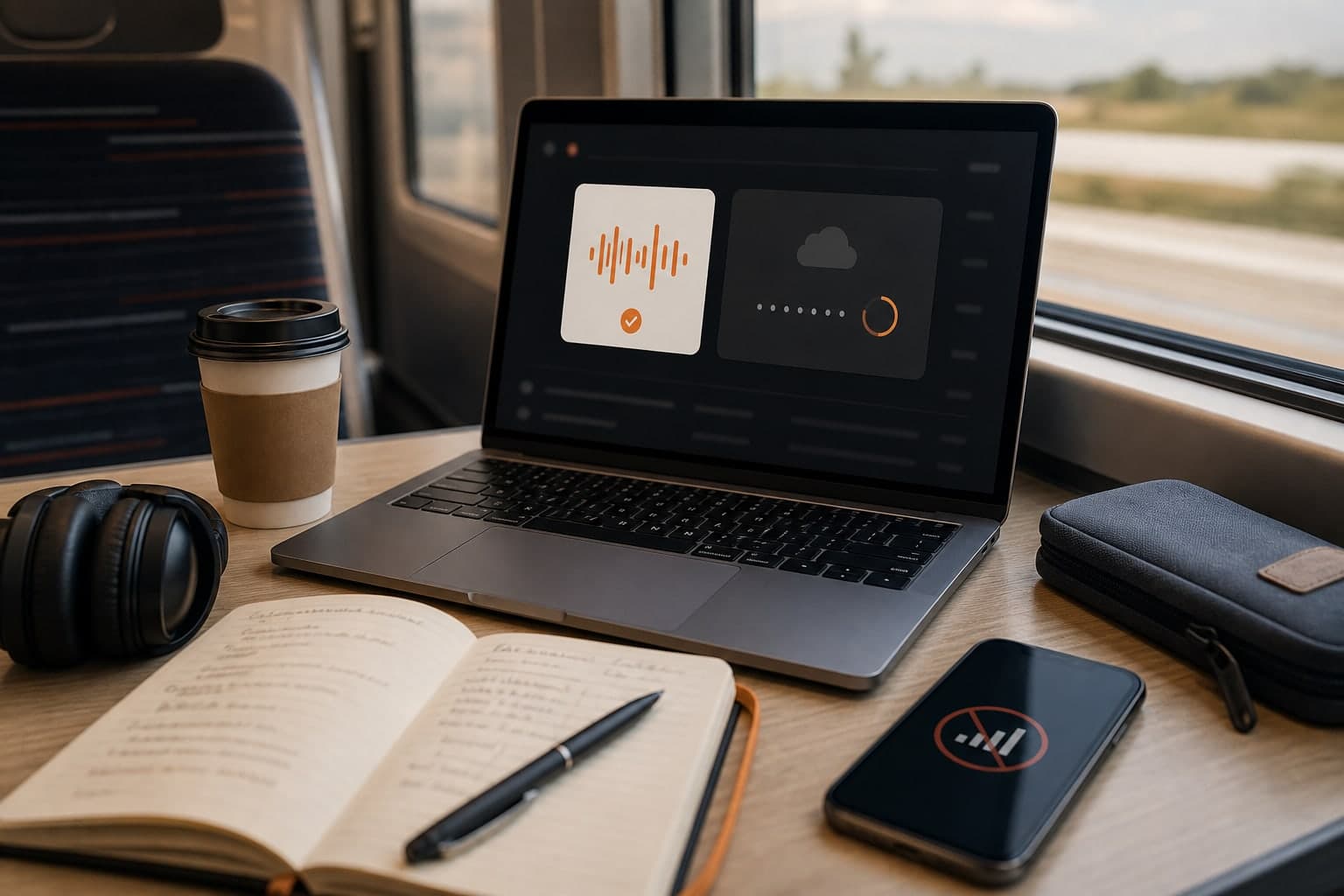
A recording workflow should not depend on perfect Wi-Fi. If the internet drops during a call, the most important job is still local capture: keep recording, preserve the source file, and process the transcript when the connection is stable again.
Short answer
Yes, you can still transcribe after the internet drops if the original audio was recorded and saved locally. The network interruption should delay upload, transcription, or summary generation, not destroy the source recording.
First protect the local file. Then wait for a stable connection, retry processing, and verify that the transcript and summary were generated from the complete recording.
Separate recording from processing
The failure mode you want to avoid is losing the conversation because a cloud step failed. A recorder-first workflow avoids that by capturing audio locally before transcription or summary generation happens.
That means a network interruption should affect upload, transcription, or summary timing, not whether you have the original recording.
Use a local-first checklist during the call
If you notice the connection is unstable, keep the call workflow simple. Do not restart tools repeatedly unless recording actually stopped. The goal is to finish the meeting with a complete source file.
After the call, confirm that the local recording exists and has the expected duration. Then retry upload or transcription when the network is back.
- Keep the Mac awake until the recording is saved.
- Check that the local file exists before closing your workflow.
- Retry processing only after the network is stable.
What Transcrio should handle for you
Transcrio's product direction is to keep recording local and make processing recoverable. The important distinction is that recording capture and transcript generation are not the same operation.
If the transcript is delayed, you should still have the audio. If the summary is delayed, you should still have the transcript or a retry path once transcription completes.
What recovery should look like
A successful recovery is not just pressing retry. You should know which part of the workflow failed and which artifact is already safe.
After the connection returns, the recovered workflow should leave you with the same useful outputs you expected before the drop.
- The local audio file still exists and has the expected duration.
- Upload or transcription runs again after the connection is stable.
- The transcript matches the full recording, not only the final minutes.
- The summary is generated only after the transcript is complete.
When to retry manually
Retry manually when you can clearly answer three questions: the recording file is still present, the network is back, and the previous upload or processing step did not finish.
If the meeting was important, keep a copy of the original audio before experimenting with retries. That protects the source material while you recover the workflow.
Next steps
FAQ
Can transcription happen without internet?
Recording can happen locally. Transcription and summary generation usually require backend processing, so they should run after the connection returns.
What should I do first after a failed upload?
Confirm that the local audio file still exists and has the expected duration. Then retry processing when the connection is stable.