Original interview audio
Return to exact wording, tone, and surrounding context while retention allows it.
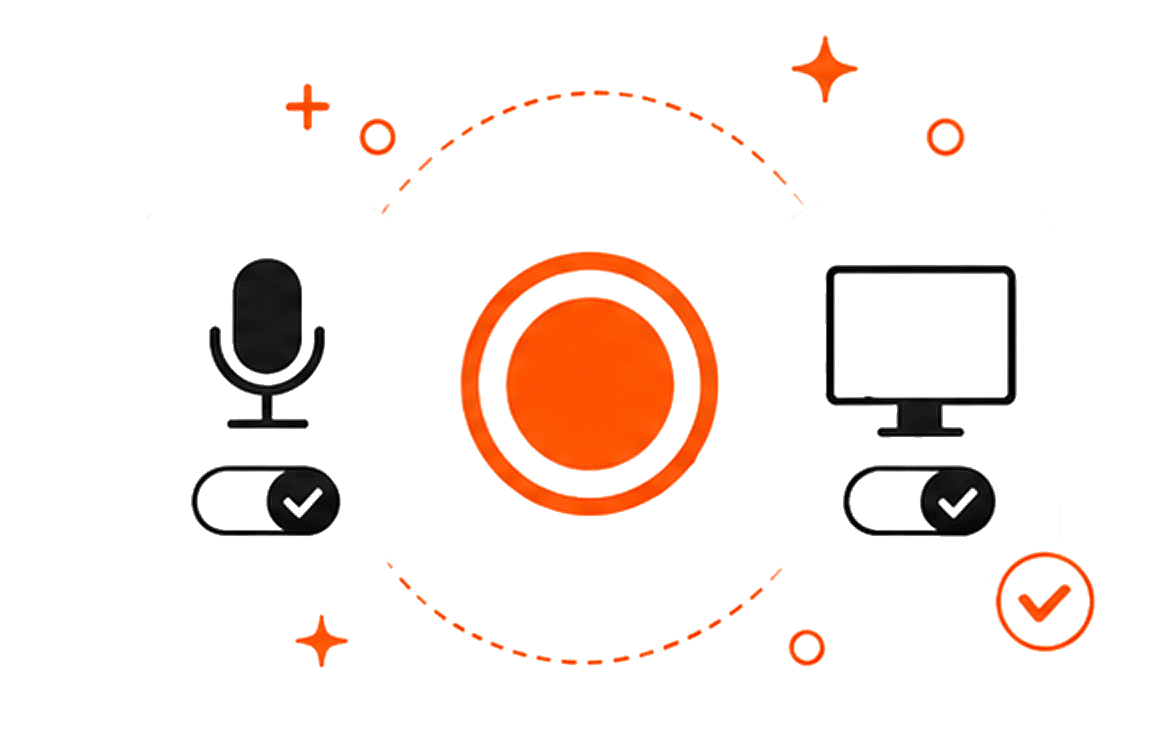
Transcrio records microphone and system audio, keeps the source interview in a local folder, and can create a transcript and summary after the conversation—without adding a meeting bot.
Capture the conversation, keep the source, and check the text before it becomes a quote, theme, or product decision. Recording and transcription preserve the material; research judgment still belongs to the people reviewing it.
Explain what will be recorded, how it will be used, who may review it, and when it should be deleted.
Record a short sample with your microphone and the conversation audio before the participant joins.
Save the original audio on the Mac so important wording and unclear transcript passages can be checked later.
Correct the transcript, remove details the study does not need, and move only reviewed evidence into the research workspace.
Transcrio fits a researcher, founder, or product team that needs to record a remote or in-person interview and keep its source audio, transcript, and summary in a local folder. Transcrio creates each transcript after recording; it does not provide live collaborative notes or a shared research repository.
Choose another tool when you need to import an existing video, watch live text during the call, or manage many studies in one team workspace. After a Transcrio transcript is ready, use the evidence-backed interview analysis workflow to code and compare the sessions you are allowed to review.
Transcrio does not code interviews, compare themes across sessions, or publish research findings. Those steps stay in your research workspace and human review process.
The recording and transcript are source material. A summary can help you orient yourself, but it should not silently become a finding. Check any important quote, product name, number, or claim against the permitted source before using it.
Return to exact wording, tone, and surrounding context while retention allows it.
Keep each source as its own file when that recording option is enabled.
Find participant language and source passages without replaying the entire session.
Use the first summary for orientation, then check claims against the transcript and audio.
A product manager receives permission to record a 30-minute remote interview about first-project setup. They test the microphone and Mac audio, record the conversation, and keep the local audio beside the transcript. Before sharing anything, they correct the product names, remove an unrelated account detail, and verify two proposed quotes against the audio.
The final handoff contains the permitted recording, a checked transcript, a short session memo, and source references for later analysis. It is not yet a product requirement or a recurring theme; those conclusions need comparison with other interviews and human review.
Explain what you want to record and how the material will be used, then wait for the required agreement. Limit access to the people who need the research, and delete files when the study's retention rule says they are no longer needed. If recording is not permitted, use written notes instead.
The 7-day trial includes 15 minutes, so test a short interview segment before depending on the setup for a full session.
Code source-linked evidence, preserve contradictions, and keep human review visible.
Record a remote interview without a botPrepare consent, microphone, and Mac-audio capture before the conversation starts.
Record microphone and Mac audio togetherTest both audio sources and check the required macOS permissions.
Build a searchable local transcript archiveKeep permitted research files findable without turning the folder into an analysis tool.
Short answers about remote and in-person interviews, live text, research analysis, local files, and permission.
Record microphone and Mac audio, keep the local source file, and check the transcript before it becomes research evidence.
7-day, 15-minute trial. Requires macOS 15 or newer.