How to build a searchable local archive of meeting transcripts
A transcript archive is only useful when you can search it, trust what you find, and reopen the source context when a detail matters. The goal is not to collect more meeting files. The goal is to make past conversations retrievable without depending on memory or a meeting bot workspace.
Short answer
A searchable transcript archive needs three simple rules: keep related files together, name them consistently, and decide how long each type of file should stay. Do that before you add tags, databases, or another tool.
For most workflows, the useful set is the source audio for verification, the transcript for search, and the summary for quick review. Store them under the same client, project, course, or topic folder where the rest of the work already lives.
Decide what the archive must answer
Start with the questions you expect to ask later. For client calls, you may need promises, objections, prices, dates, or exact wording. For research interviews, you may need quotes and themes. For lectures, you may need terms, examples, and study notes.
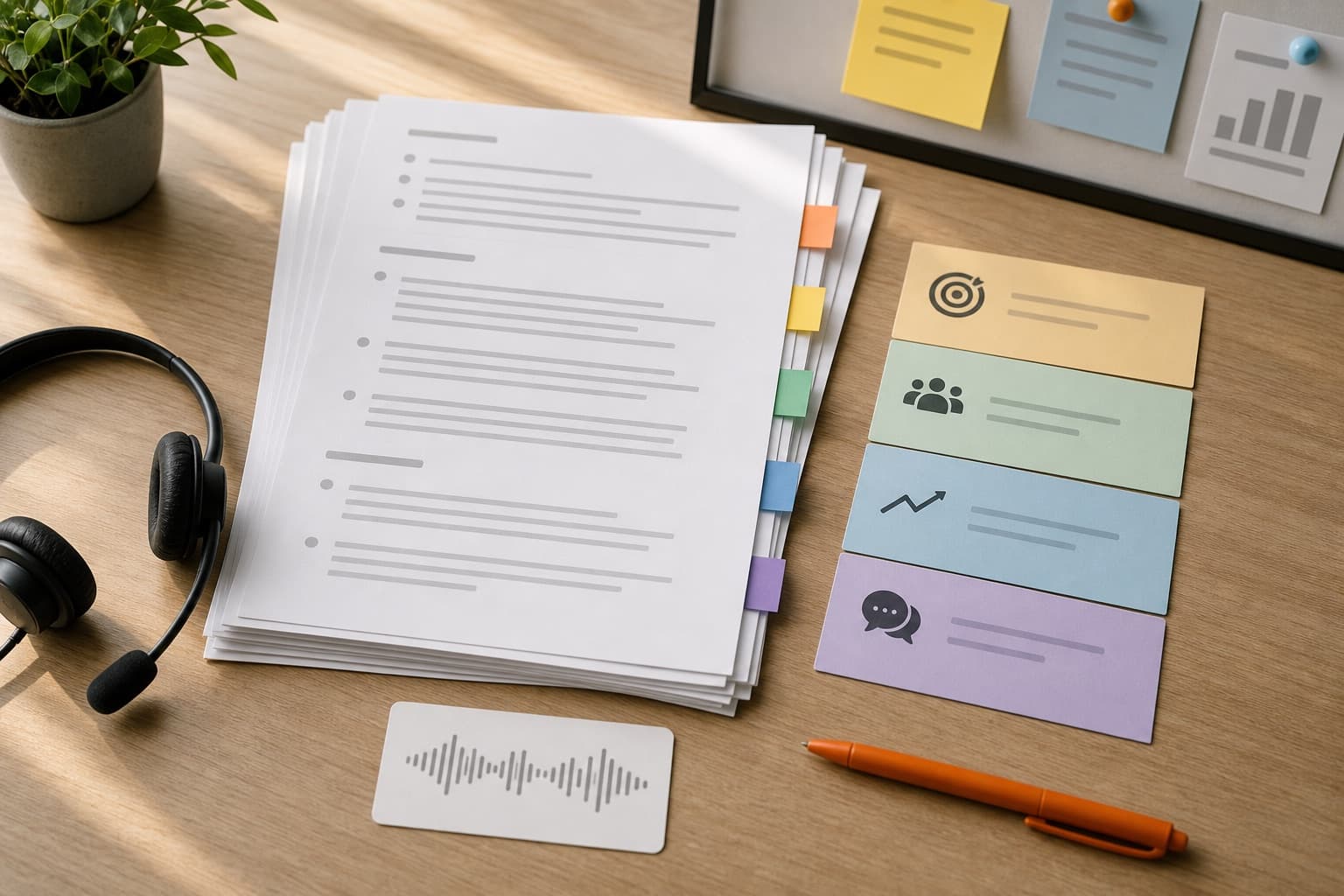
Those retrieval needs determine what you keep. Audio preserves tone and exact delivery. Transcripts make the archive searchable. Summaries make it fast to scan.
- Keep audio when tone, quotes, commitments, or sensitive context may matter.
- Keep transcripts when you need search across names, terms, decisions, or topics.
- Keep summaries when the main job is recall, action items, or follow-up.
Use one base name for every output
Naming still matters, but it should support search instead of becoming the whole system. Use the same base name for the audio, transcript, and summary so Finder and search tools keep related files together.
A simple pattern works well: YYYY-MM-DD - Client or Team - Topic. It sorts chronologically and gives enough context before you open the file.
- 2026-04-08 - Acme - onboarding call.m4a
- 2026-04-08 - Acme - onboarding call transcript.txt
- 2026-04-08 - Acme - onboarding call summary.md
Keep transcripts readable enough to search
The transcript does not need to read like a polished article, but it should preserve enough words to make search reliable. Do not replace the transcript with a summary if you will later need names, exact phrases, objections, or quotes.
With Transcrio, the practical workflow is to record locally, generate the transcript after the conversation, and keep the transcript beside the source audio. The summary can sit next to both as the fast review layer.
Match folders to your first search instinct
If you think by client, use client folders. If you think by project, use project folders. If you record lectures, use course folders. The folder should match your first search instinct.
Avoid creating a second archive that no one remembers to check. A local recorder-first workflow is useful because the files can live in the same client, project, or course folder where the rest of the context already lives.
What the minimum archive should look like
The minimum useful archive is small enough that you will actually maintain it. Start with one parent folder and one naming rule, then add structure only when search starts to fail.
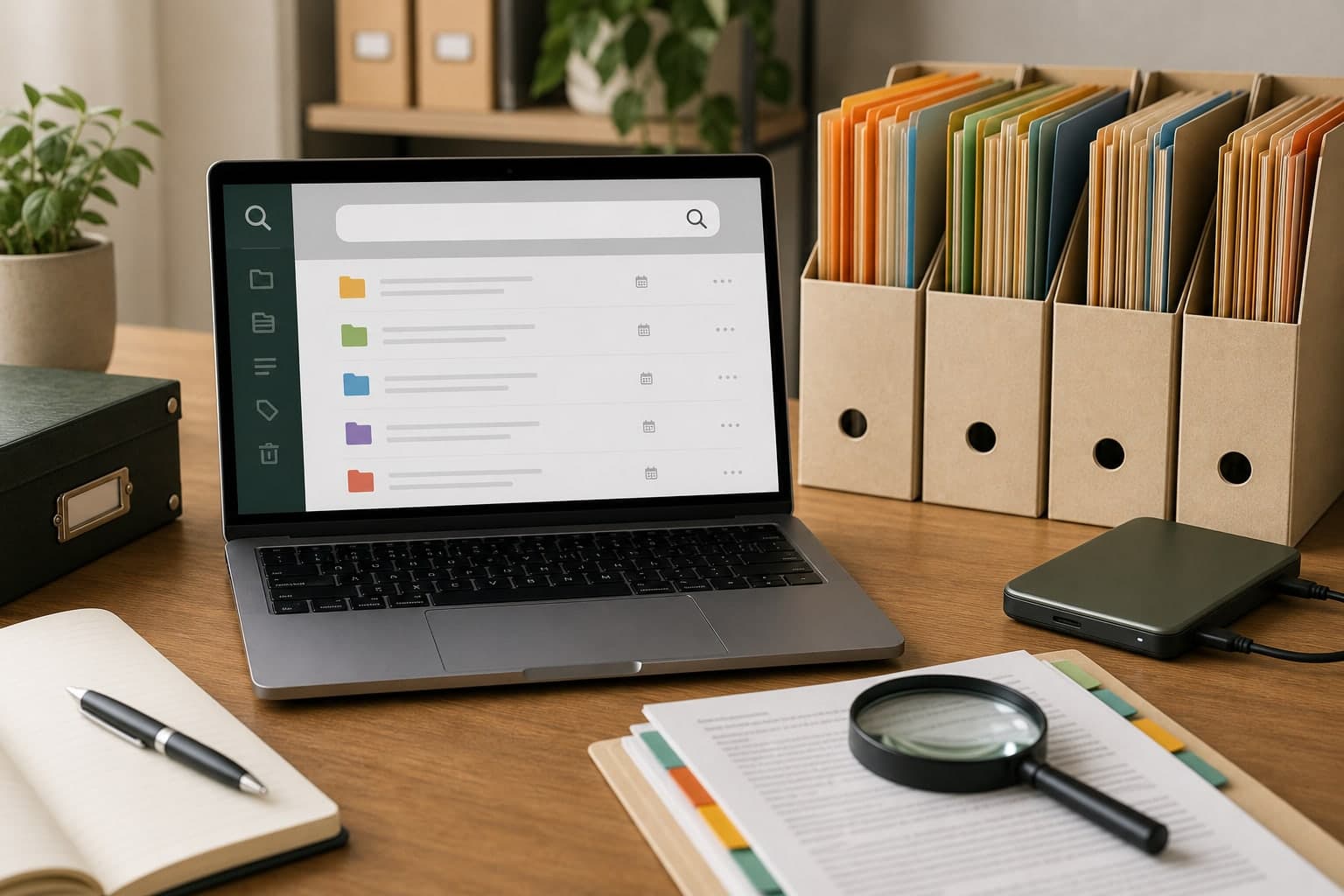
A simple local archive can work without a database if the file names, folders, and summaries are predictable.
- One folder per client, project, course, or research topic.
- One base name shared by the audio, transcript, and summary.
- One summary file that explains why the recording matters.
- One retention rule for routine, important, and sensitive recordings.
Add a retention rule before the archive grows
Searchability is not a reason to keep everything forever. Decide which recordings are permanent, which expire after follow-up, and which should be deleted after a transcript or summary is verified.
For sensitive conversations, the cleanup rule matters as much as the archive structure. Store less when the long-term value is low, and keep access narrow when the context is private.
Next steps
FAQ
Is a transcript enough for a searchable meeting archive?
A transcript is the best search layer, but important conversations should keep the source audio too. The audio lets you verify tone, wording, and context when search finds a relevant moment.
Should I put tags in file names?
Use one or two short terms only if they help your real search behavior. Detailed labels usually belong in the summary, not in a long file name.