Questions to ask before recording a sensitive meeting
Some conversations should be recorded carefully or not recorded at all. Sensitive meetings need a deliberate workflow: clarify the purpose, handle notice and consent, limit access, and decide how long the recording should exist.
Short answer
Before recording a sensitive meeting, decide why the recording is needed, how you will notify participants, where the files will live, who can access them, and when they should be deleted. If you cannot answer those questions clearly, do not start with recording.
A sensitive meeting recording workflow should create fewer files, not more: keep only the audio, transcript, or summary that has a clear purpose, and make the retention rule before the meeting starts.
Ask why the recording is needed
A recording should have a specific job. Accurate notes, follow-up tasks, training review, customer context, and research analysis are all clearer reasons than "just in case."
If the purpose is vague, written notes may be enough. Recording creates more responsibility than note-taking because it preserves voices and context in a richer form.
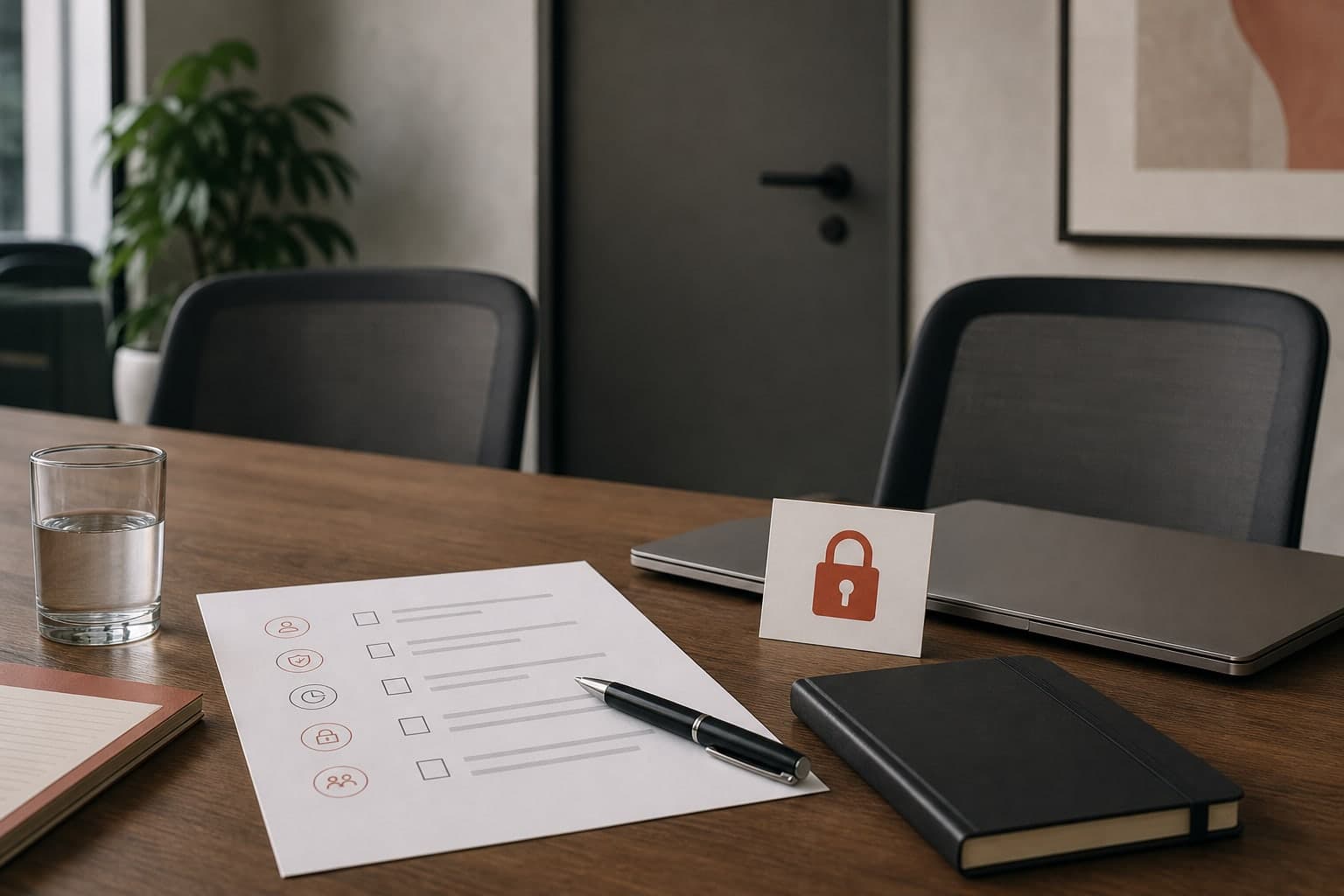
Use a pre-recording checklist
Run the checklist before the call starts, not while everyone is already waiting. The goal is to make the recording decision explicit enough that the follow-up workflow is obvious.
- Purpose: what decision, note, quote, or follow-up will the recording support?
- Notice: what will you tell participants before recording starts?
- Storage: where will the audio, transcript, and summary be saved?
- Access: who needs the files for the purpose you explained?
- Retention: when should routine files be deleted or reviewed?
- AI use: should the transcript or summary be processed by an AI tool at all?
Clarify notice and consent
Before recording, tell participants what you want to record and why. If the meeting platform has its own recording notice, do not assume that covers every local workflow.
A local recorder gives you control, but it also means you must be clear. If someone declines, stop the recording plan and use written notes or another agreed process.
- Say that recording is planned before starting.
- Explain the practical purpose of the recording.
- Pause if someone asks how the file will be used or stored.
Limit who can access the files
Decide where the audio, transcript, and summary will live before you create them. A local file can still be exposed if it is saved into a shared folder, synced workspace, or unmanaged device.
For sensitive meetings, keep the archive narrow. Give access to people who need it for the purpose you explained, not everyone who might be curious later.
Decide when to delete
Retention is part of the recording workflow. Some files should be kept because they support decisions or compliance. Others should be deleted after the summary is reviewed and follow-up is complete.
Make the deletion rule while the context is fresh. It is much harder to judge old recordings after the project, client issue, or interview loop has moved on.
When written notes are the better choice
Do not force a recording workflow when the meeting does not need one. Written notes are often better when the purpose is vague, the topic is highly private, someone objects, or the recording would create files that nobody is prepared to manage.
Transcrio is useful when you have a clear reason to keep a local source recording, transcript, or summary. If the safest useful artifact is a short written note, use the simpler artifact.
Next steps
FAQ
Is a local recording automatically private?
No. Local recording reduces some platform and bot exposure, but privacy still depends on consent, storage location, device access, and retention choices.
What if someone does not want the meeting recorded?
Stop the recording plan and switch to written notes or another agreed process. A sensitive meeting workflow should be clear before capture starts.
Should sensitive meetings be summarized by AI?
Only if that is appropriate for your context and policies. If summary generation is enabled, review what information is being processed and who can access the output.