How to record an in-person meeting with a MacBook
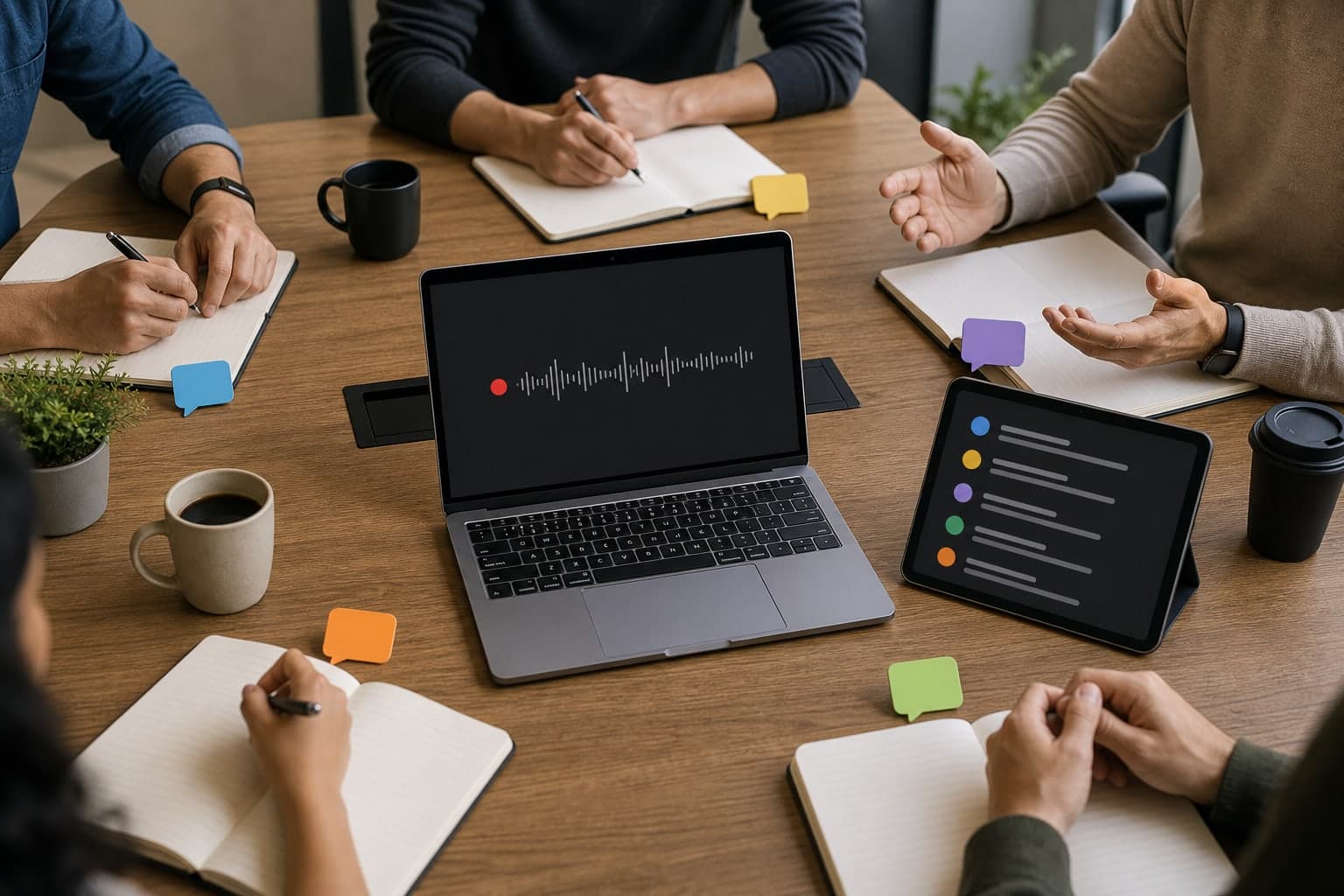
You do not always have a conference-room recorder, external microphone, or meeting bot. Sometimes the useful tool is the MacBook already on the table. A local recorder can capture the room, preserve the source audio, and give you a transcript to review after the meeting.
Short answer
Yes, a MacBook can work as a practical room recorder for small meetings, interviews, study sessions, and lectures if you place it well and test the room first. The recording quality depends more on distance, room noise, and speaker overlap than on the app alone.
Use a local recorder when you need the original audio, a searchable transcript, and notes after the meeting. For larger rooms, noisy spaces, or high-stakes sessions, test first and consider an external microphone.
Prepare the room before recording
The best in-person recording workflow starts before the meeting. Put the MacBook where it can hear the main speakers, reduce background noise where possible, and avoid covering the microphone.
Run a short test if the meeting matters. A clear two-minute test is better than discovering after an hour that the laptop was too far from the speaker.
- Place the MacBook near the center of the conversation.
- Avoid loud projectors, HVAC vents, and typing directly beside the microphone.
- Keep the Mac awake until the recording is saved.
Use Transcrio as a local room recorder
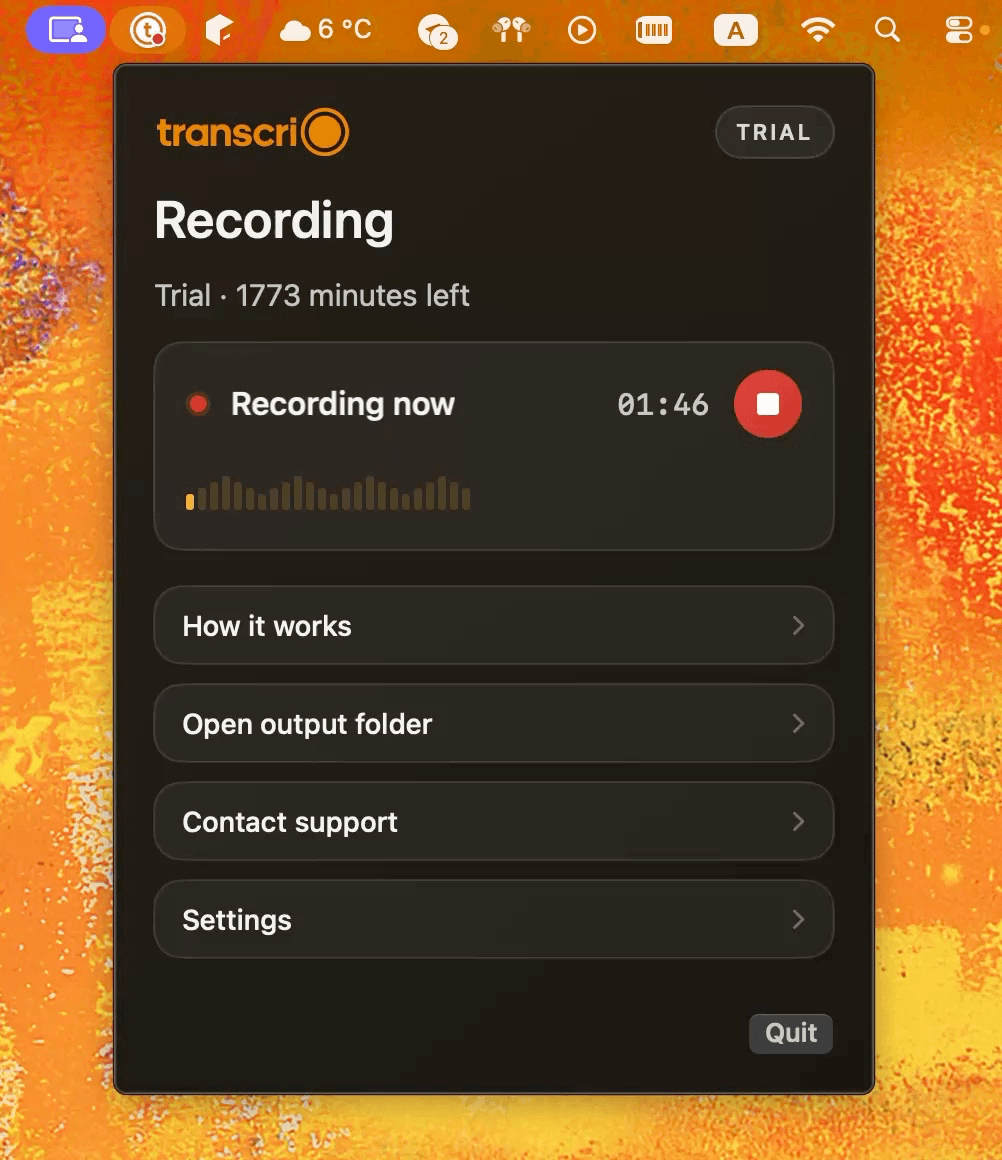
Start Transcrio before the discussion begins and let it record from the Mac. If you have not set it up yet, download Transcrio, sign in, and grant microphone permission before the meeting room is full.
After the meeting, keep the original audio. Speaker labels and transcripts are useful for review, but the source recording is what lets you verify tone and exact wording.
- Start recording before introductions or context setting begins.
- Keep the MacBook open and awake until the recording is saved.
- Avoid typing on the same Mac while it is recording the room.
- Stop recording at the end and save the output with the meeting name or topic.
See the Transcrio workflow
From recording on a Mac to a local transcript and summary.
Take a 1-minute interactive tour — no signup required.
Open in a new tabReview speakers and important moments
In-person audio is messier than a headset call. Speakers overlap, people move around, and room noise can flatten voices. Treat speaker separation as a review aid, not as a perfect record.
Use names in your final notes when you can verify them. If a speaker label is uncertain, mark it as uncertain rather than turning a guess into a confident action item.
What you should have after the meeting
A useful in-person recording workflow should give you more than a single audio file. After the meeting, you should have a small set of materials you can review, search, and share carefully.
Do not force every room recording into the same summary format. A lecture may need study notes and definitions. A project meeting may need decisions and owners. An interview may need quotes and themes.
- The original room audio for verification.
- A transcript you can search for names, decisions, examples, and quotes.
- A summary format matched to the meeting type.
- A reviewed note that separates confirmed details from uncertain speaker labels.
Example: choose the right room notes
For a project meeting, ask for decisions, owners, deadlines, blockers, and open questions. For a lecture, ask for definitions, examples, key terms, and study questions. For an interview, ask for themes, supporting quotes, and follow-up topics.
Custom prompts are useful here: ask for the structure that matches the meeting, then check the important claims against the transcript before sharing.
Next steps
FAQ
Is a MacBook microphone good enough for meetings?
It can be enough for many small rooms, interviews, and lectures, but placement matters. For large rooms or noisy spaces, test first or use a better microphone if the meeting is important.
Can Transcrio separate speakers in an in-person meeting?
Transcription can help separate speakers, but room audio is harder than headset audio. Review speaker labels before relying on them for decisions or quotes.