How to record ad hoc calls without relying on your calendar
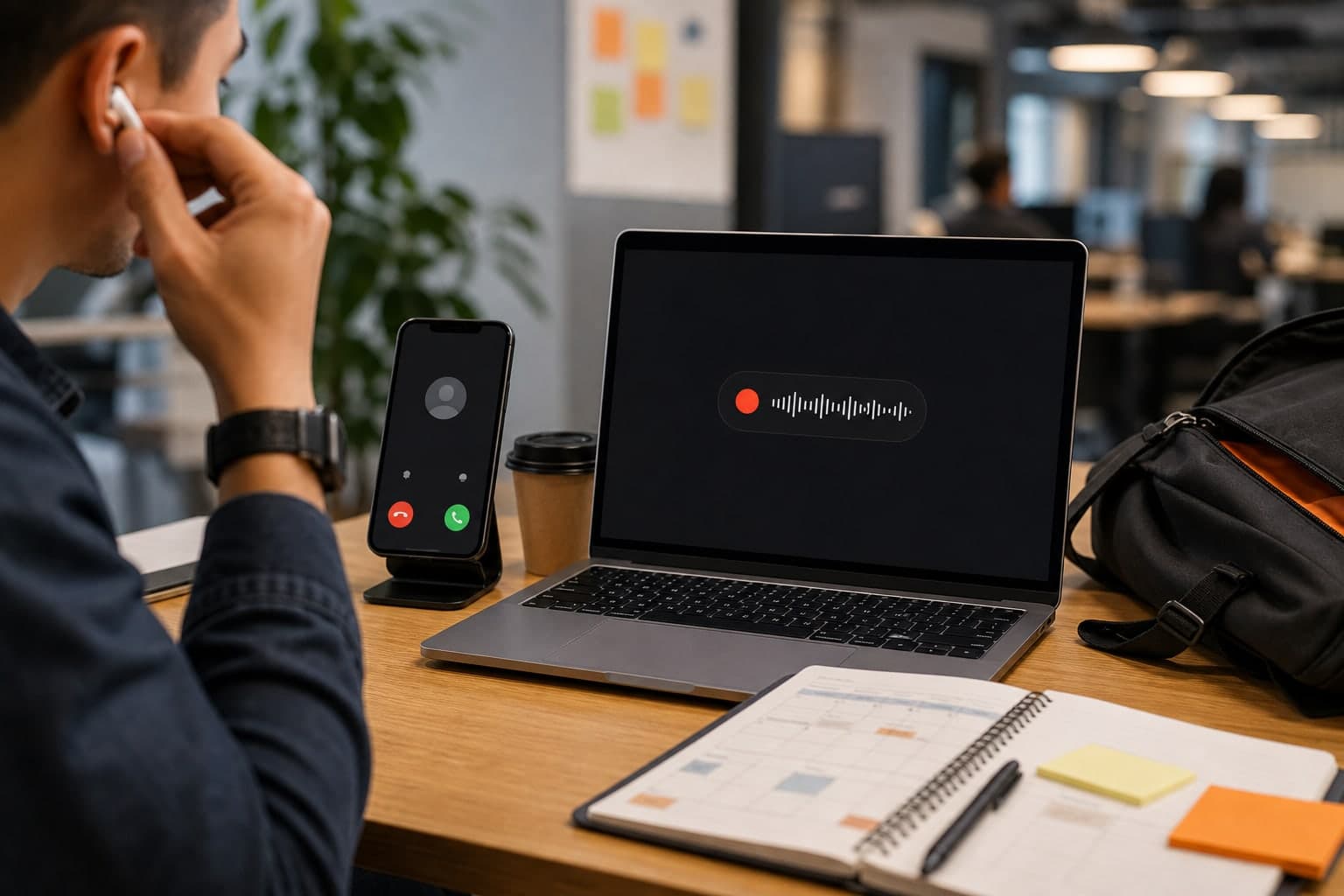
Calendar-first tools work well when every important conversation is already scheduled. Real work is messier. Customer questions become calls, demos turn into decisions, and voice notes become the seed of a proposal. If you need to record ad hoc calls, the capture workflow has to be ready before a meeting invite exists.
Short answer
To record ad hoc calls reliably, set up a local Mac recorder before you need it, use the same start/stop habit for calls, demos, interviews, and voice notes, then turn the recording into a transcript or summary while the context is still fresh.
Calendar-based tools are still useful for planned team meetings. For unscheduled calls, the safer workflow is a recorder-first habit that does not depend on an invite, bot, or organizer setting.
Calendar tools miss unscheduled context
Many useful conversations do not begin as formal meetings. A quick support call, a product demo, a hallway-style remote conversation, or a spontaneous customer follow-up may not have a calendar event at all.
If your recording workflow depends on the calendar, these moments become manual exceptions. A recorder-first workflow treats them as normal.
One record button is easier to remember
The simpler the capture habit, the more likely it survives real work. A local Mac recorder can cover browser audio, meeting apps, demos, lectures, interviews, and voice notes with the same starting action.
That is where Transcrio fits: it is not trying to become your calendar. Download Transcrio, sign in, grant the macOS audio permissions once, and keep it ready for the moment an unscheduled conversation becomes worth capturing.
See the Transcrio workflow
From recording on a Mac to a local transcript and summary.
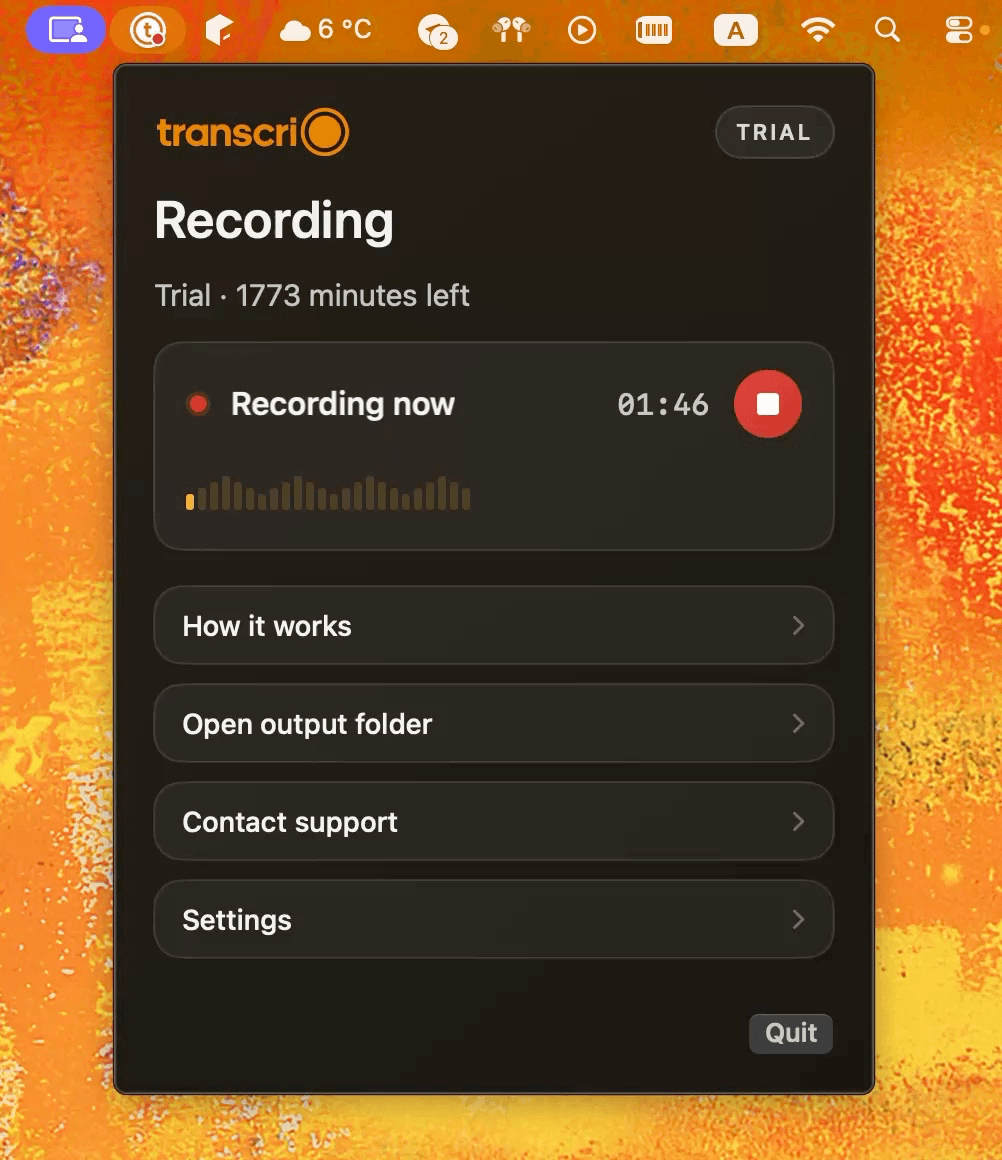
Take a 1-minute interactive tour — no signup required.
Open in a new tabWhat to do during an ad hoc call
Keep the live workflow boring. Start the recorder before the useful details begin, avoid switching audio devices mid-call, and stop once the conversation ends. If the call turns out not to matter, delete the file instead of building an archive around it.
After the call, name the recording with the date, person or customer, and topic. That gives the transcript and summary enough context to be useful later.
- Start recording when the conversation becomes useful.
- Capture the same audio route you are actually using for the call.
- Name the file before the context fades.
- Generate or review the transcript the same day.
Calendar-first still has a place
Use calendar-based meeting tools when the workflow needs shared agenda automation, attendee-level notes, or organization-wide meeting intelligence. Those are different jobs from local capture.
For personal productivity, client follow-up, interviews, and ad hoc work, local recording is often the lower-friction option.
Build the workflow around review
Recording is only useful if review happens. After an ad hoc call, give the file a name, generate or review the transcript, and create the summary while the context is still fresh.
If you wait a week, the recording may still exist, but the reason it mattered becomes harder to remember.
- Record when the conversation becomes useful.
- Name the file immediately after the call.
- Turn the recording into a decision summary or follow-up note the same day.
Next steps
FAQ
Should I use both calendar tools and a local recorder?
Often yes. Use calendar tools for planned team workflows and a local recorder for ad hoc calls, demos, interviews, and voice notes.
Does recorder-first mean everything should be recorded?
No. Recorder-first means the workflow is available when needed. You still decide whether recording is appropriate for each conversation.