Original lecture audio
Replay an exact explanation, example, pronunciation, or change in tone.
Transcrio records microphone and system audio, keeps the source recording in a local folder, and can create a transcript and summary after the lecture—without depending on a meeting bot or course-platform export.
Capture the source first, then use the transcript for search and the summary as a starting point. Keep the audio nearby when an explanation, formula, or exact term needs another listen.
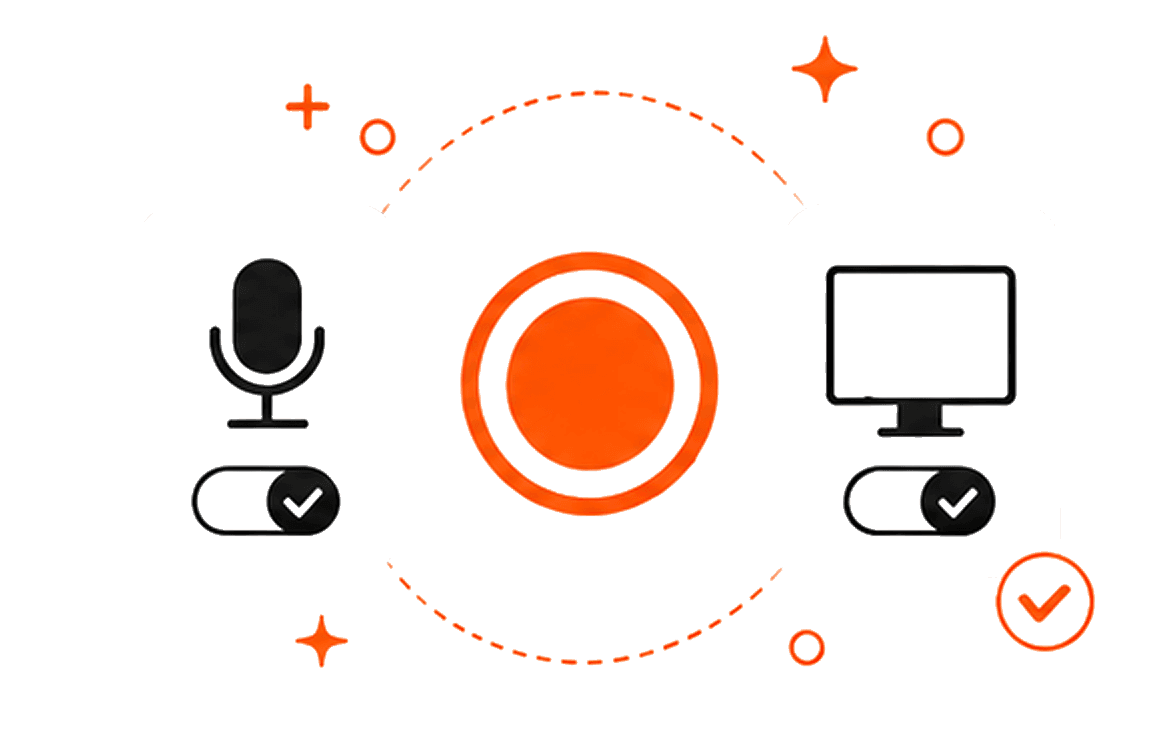
Capture an online lecture from the Mac, an in-person class through the microphone, or both sources together.
Check the microphone, Mac audio, permissions, and device placement before the class begins.
Save the original audio locally so you can replay an explanation when the text misses context.
Review the transcript and summary, then extract the terms, examples, questions, and sections worth revisiting.
Transcrio is the useful choice when you need Mac audio, your microphone, and source files in one recording workflow. For a simple in-person voice recording with live text, the built-in Notes or Voice Memos app may already be enough. Choose a lecture-specific study tool when you need slide import, flashcards, quizzes, or live captions inside the same app.
If you are comfortable reviewing the result and using a separate study tool, follow the checked notes and flashcards workflow after the transcript is ready.
The transcript makes the lecture searchable. The summary makes it faster to scan. Neither should replace checking the recording when a definition, number, formula, or assignment detail matters.
Replay an exact explanation, example, pronunciation, or change in tone.
Keep each source as its own file when that recording option is enabled.
Find a term or example without scrubbing through the whole recording.
Use the first summary as a starting point for your own course notes.
Confirm that recording is allowed for the class and material, then test the exact microphone, headphones, and Mac-audio setup you will use. If recording is not allowed, work from the instructor's slides, official replay, transcript, or your own written notes.
The 7-day trial includes 15 minutes, so test a short lecture segment before depending on the setup for a full class.
Follow the practical setup, recording, and study-note workflow.
Record microphone and Mac audio togetherTest both audio sources before a live class or webinar.
Use a MacBook as a room recorderImprove placement and expectations for in-person lecture audio.
Build a searchable transcript archiveOrganize recordings and notes by course so they remain easy to find.
Short answers about online and in-person lectures, live transcription, study tools, local files, and internet requirements.
Record the Mac audio or room microphone, keep the source file, and review the transcript before turning it into study notes.
7-day, 15-minute trial. Requires macOS 15 or newer.