Mac recording and transcription use cases

Choose what you want to do with your next Mac recording.

Transcrio is a macOS app for recording microphone and system audio, keeping the source recording on your Mac, and creating transcripts and summaries after recording. Start with the result you need, then see what the recording and files look like for that job.

No meeting botLocal source audiomacOS 15 or newer
Choose by outcome

What do you want to have when the recording ends?

Keep a client conversation useful, build context you can return to, or revisit a lecture with searchable text. Choose the outcome closest to what you need today.

Client calls

Keep the call useful after it ends

Record the conversation without a meeting bot, review the transcript, and move the useful details into your CRM or client workspace.

Best when
You need your own source recording and a reviewed handoff instead of automatic CRM sync.
What you keep
Local audio, transcript, summary, and a CRM-ready note.
Explore client call recording

AI context archive

Build context you can use again

Keep recordings and text in a folder you control, then use the reviewed material with the AI tools that fit your work.

Best when
You want reusable local files rather than an automatic cloud meeting library.
What you keep
A meeting archive ready for search, upload, paste, or local-agent access.
Explore the AI context archive

Lectures

Turn class audio into material you can review

Capture an online lecture from the Mac or an in-person class through the microphone, then return to the audio and text later.

Best when
You need post-class transcripts and notes, not live captions, quizzes, or automatic flashcards.
What you keep
A source recording, searchable transcript, and study-note starting point.
Explore lecture transcription
What stays consistent

The useful difference comes after you press stop.

Whichever option brought you here, you keep the original recording and decide where the reviewed text goes next: your CRM, AI tools, archive, or study system.

See the 7-day, 15-minute trial and paid plans
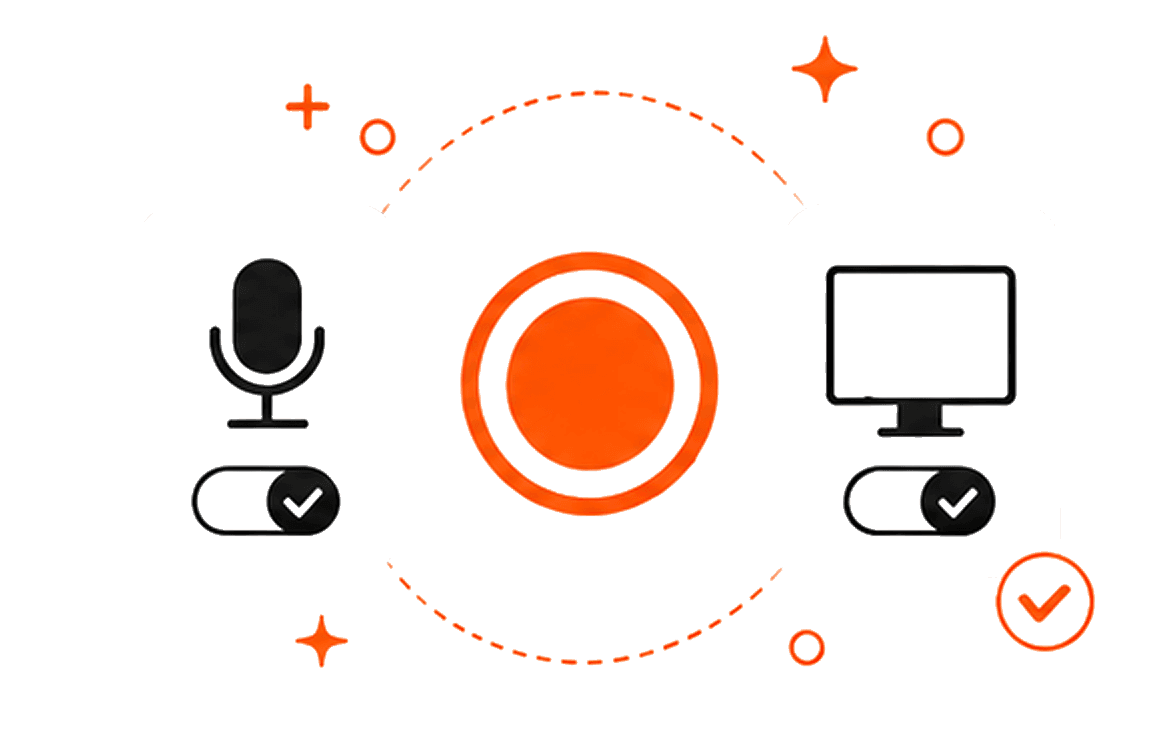
Transcrio set to record microphone and system audio on a Mac
  1. 01

    Choose what to capture

    Record microphone audio, Mac audio, or both after checking the permissions and recording rules for the situation.

  2. 02

    Keep the recording on your Mac

    The source recording stays in the session folder so you can return to the original conversation or class.

  3. 03

    Create text after recording

    When transcription is enabled, Transcrio uses an internet connection to create the transcript and optional summary.

  4. 04

    Review and move the useful part

    Check the result against the audio, then use the reviewed note in your CRM, study system, archive, or AI tool.

Is Transcrio right for this?

Choose Transcrio when the source recording matters.

A different app may be a better fit when you need live text, automatic team handoffs, or fully on-device transcription.

Transcrio fits when

  • You want to record microphone and Mac audio without adding a meeting participant.
  • You need the source recording in your own Mac folder.
  • A transcript and summary after recording are enough for the job.
  • You plan to review the result before moving it into another tool.

Another app may fit better when

  • You need live captions or a live transcript during the conversation.
  • Your team needs automatic CRM sync, coaching dashboards, or a shared meeting library.
  • You need flashcards, quizzes, slide analysis, or a complete course workspace.
  • All transcription must stay fully on-device without online processing.
Practical guides

Set up the capture, then organize what you keep.

FAQ

Questions about recording with Transcrio.

Short answers about audio sources, meeting bots, local files, transcription timing, and when Transcrio fits.

Try one real recording

Download Transcrio and test the way you plan to record.

Use a short client call, lecture segment, or meeting recording to check capture quality and the files you get afterward.

7-day, 15-minute trial. Requires macOS 15 or newer.